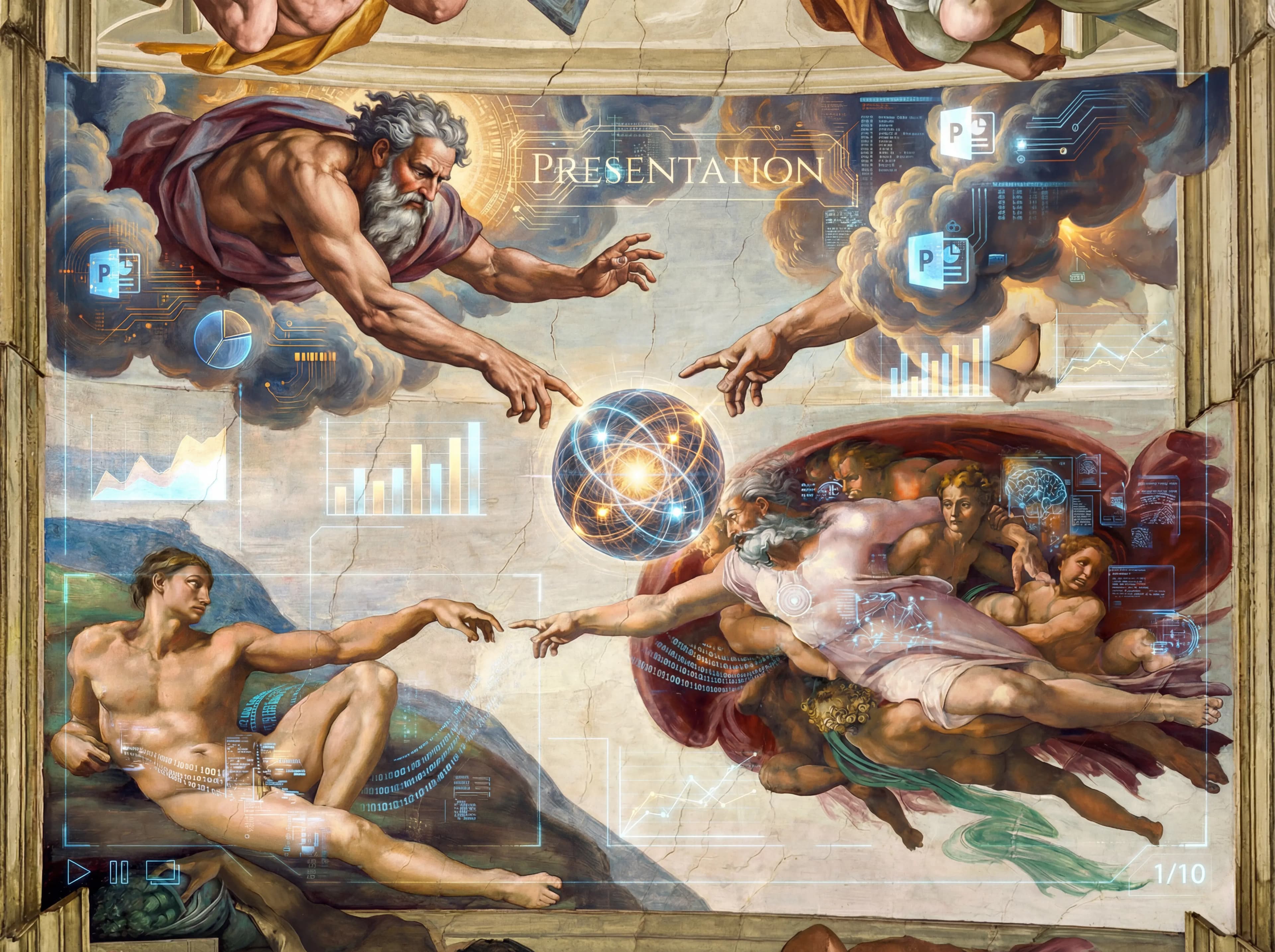
DrawPPT AI

DrawPPT AI

テキスト入力。スライド出力。

AI プレゼンテーション生成ツール

プロ品質のスライドを AI が瞬時に作成
無料で始める
🍌Nano Banana Pro対応
AIアート制作

生成モード

PPTスタイル

Style 1
Style 2
Style 3
Style 4
Style 5
Style 6
Style 7
参照
スタイル画像
密度:

インスピレーションを得る

テンプレートスタイルを選んでプレゼンテーションを始めましょう。任意のテンプレートをクリックしてビジュアルスタイルを適用。
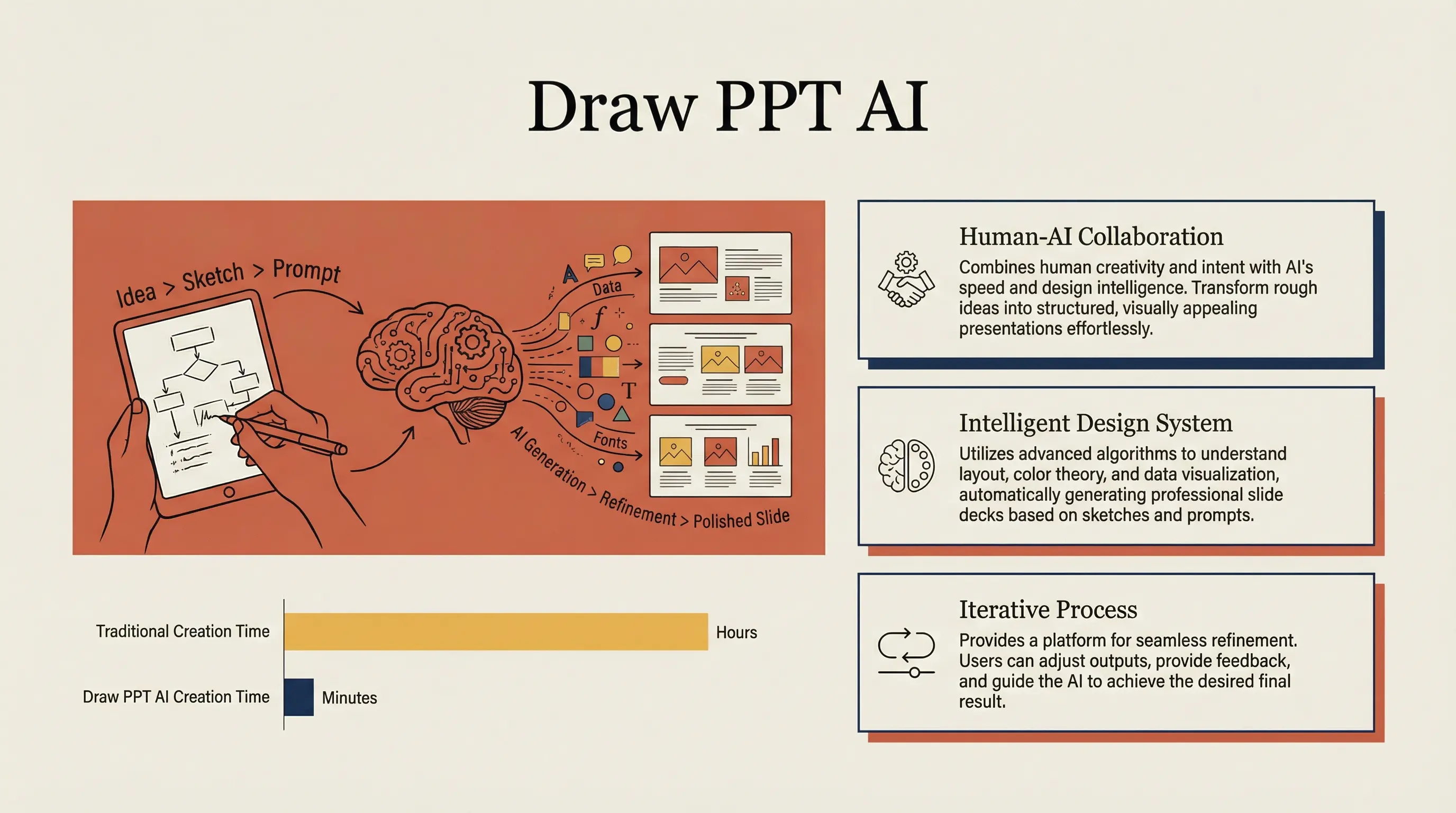
Claude Style
⭐ Featured
このスタイルを使用

Claude Style

Warm academic humanism in Anthropic/Claude style

warmacademicelegant
Minimalist Data Story
このスタイルを使用

Minimalist Data Story

Clean Swiss design with ample whitespace

minimaldataclean
Corporate SaaS
このスタイルを使用

Corporate SaaS

Dark UI with high contrast, perfect for SaaS products

saasdarkcorporate
TED Style
New
このスタイルを使用

TED Style

Clean presentation style inspired by TED talks
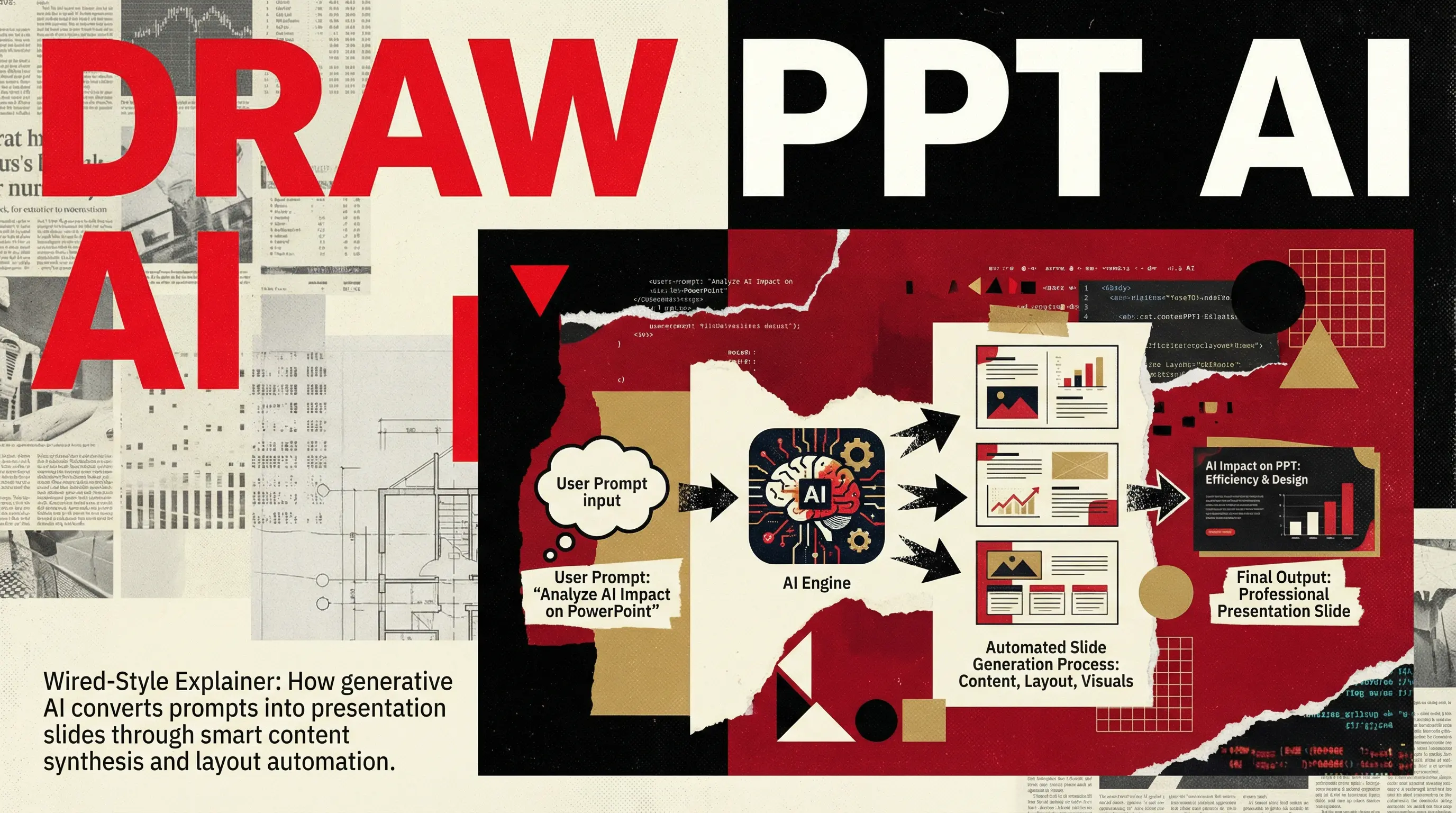
tedpresentationclean
Bold Editorial
⭐ Featured
このスタイルを使用

Bold Editorial

Wired Magazine style, high-impact journalism
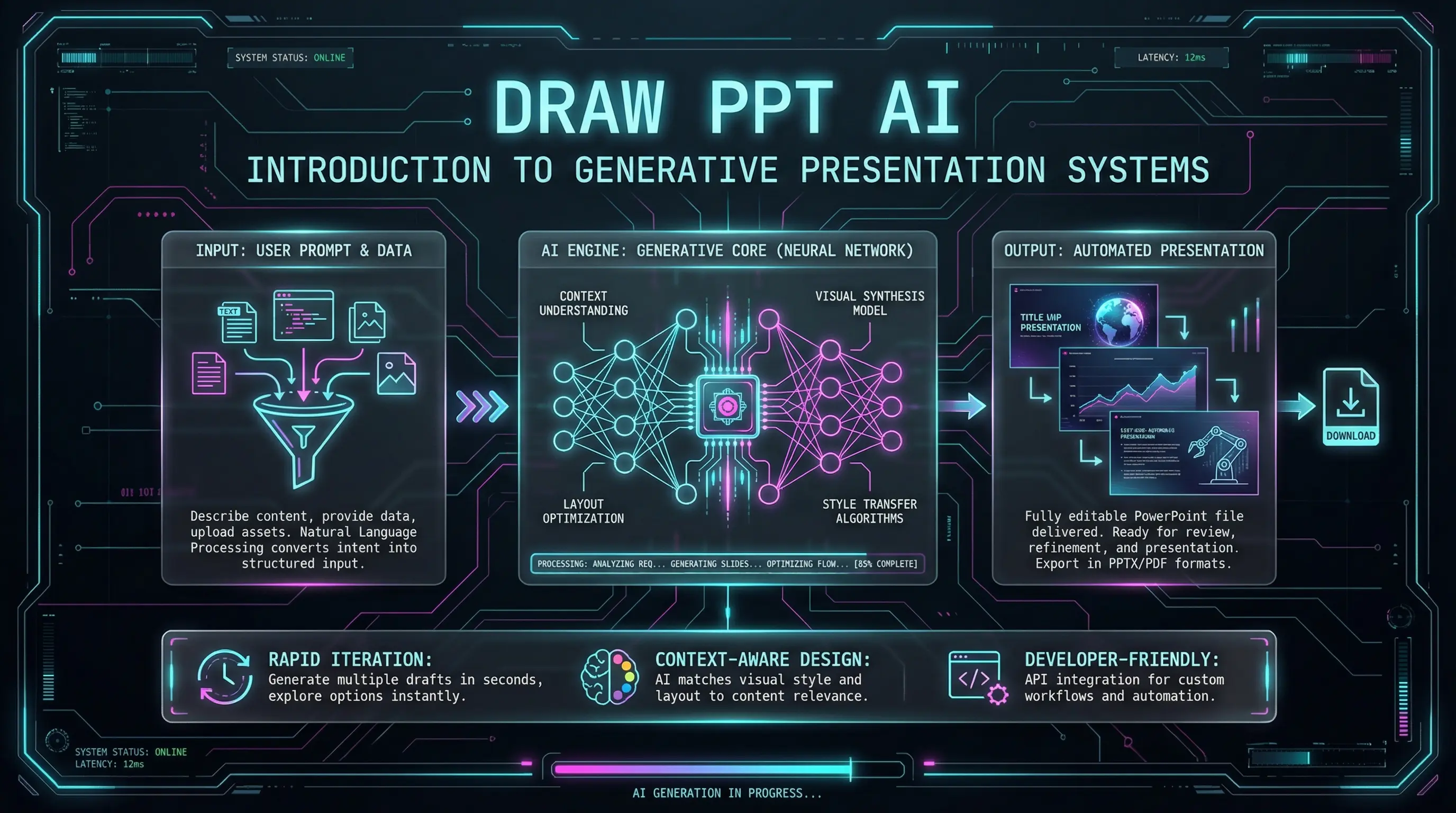
editorialmagazinebold
Dark Mode Tech
New
このスタイルを使用

Dark Mode Tech

Cyberpunk futuristic UI with neon accents
cyberpunkdarkneon
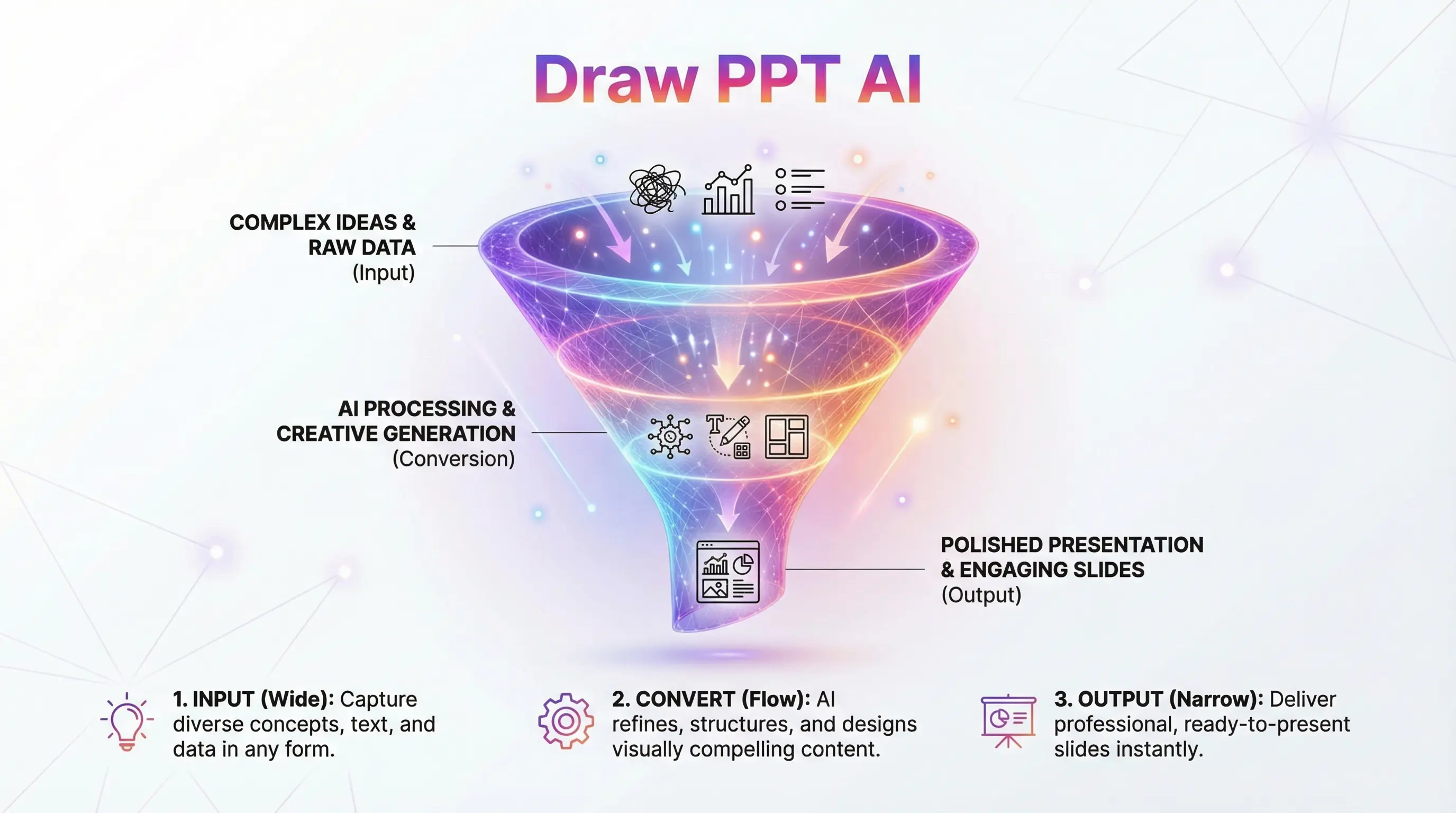
Gradient Hero Funnel
このスタイルを使用

Gradient Hero Funnel

Marketing conversion flow with modern gradients

marketinggradientfunnel
Soft Pastel Educational
⭐ Featured
このスタイルを使用

Soft Pastel Educational

Friendly, approachable educational design
pastelfriendlyeducation
IKEA Style
このスタイルを使用

IKEA Style

Step-by-step instruction manual style

ikeainstructionstep-by-step
Hand-Drawn Sketchnote
このスタイルを使用

Hand-Drawn Sketchnote

Notebook brainstorming style with doodles

sketchnotehanddrawndoodle
Mind Map Concept
このスタイルを使用

Mind Map Concept

Neural network style brainstorming web
mindmapbrainstormingconcept
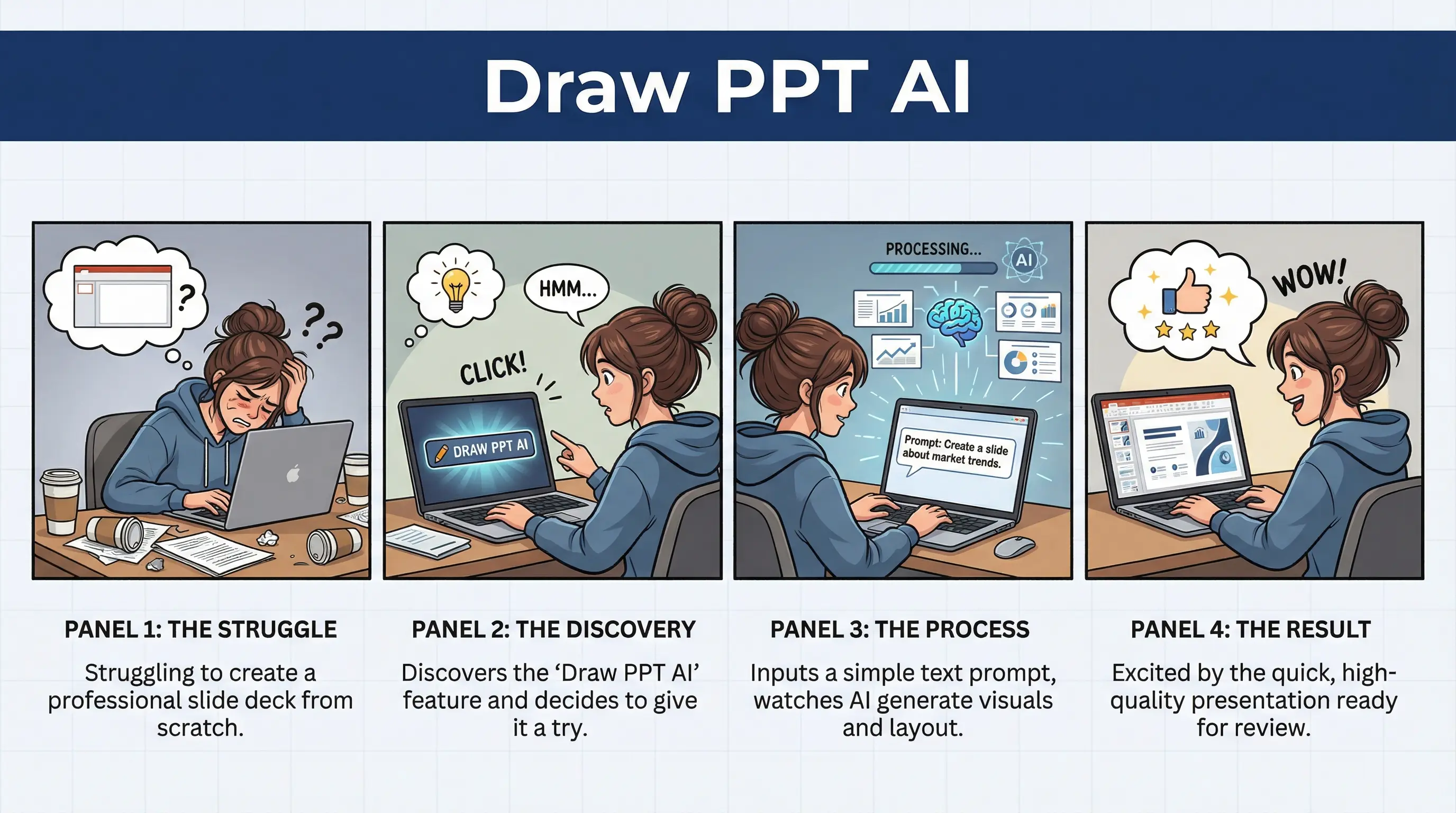
Storyboard Journey
このスタイルを使用

Storyboard Journey

User experience comic strip narrative
storyboarduxnarrative
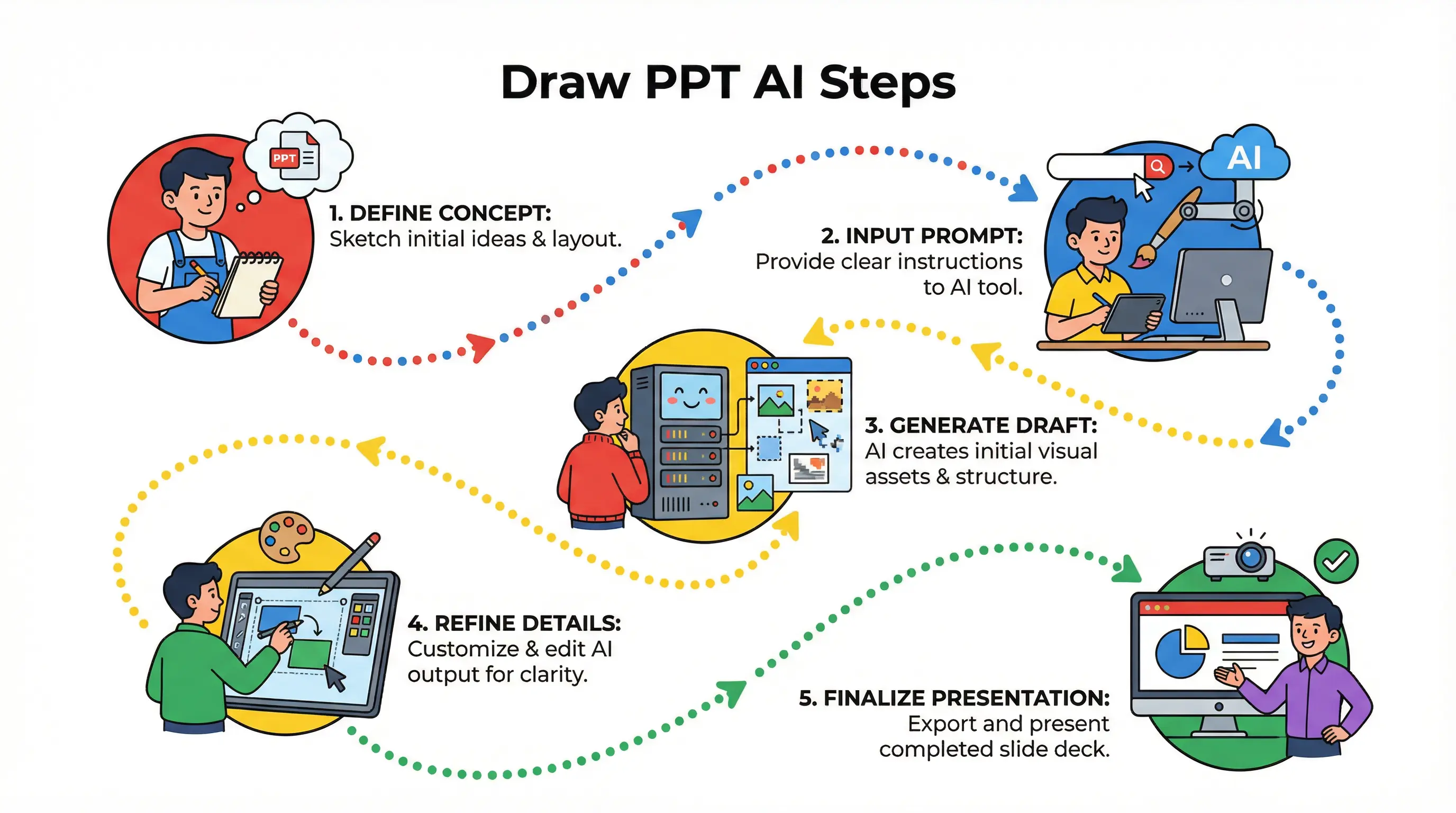
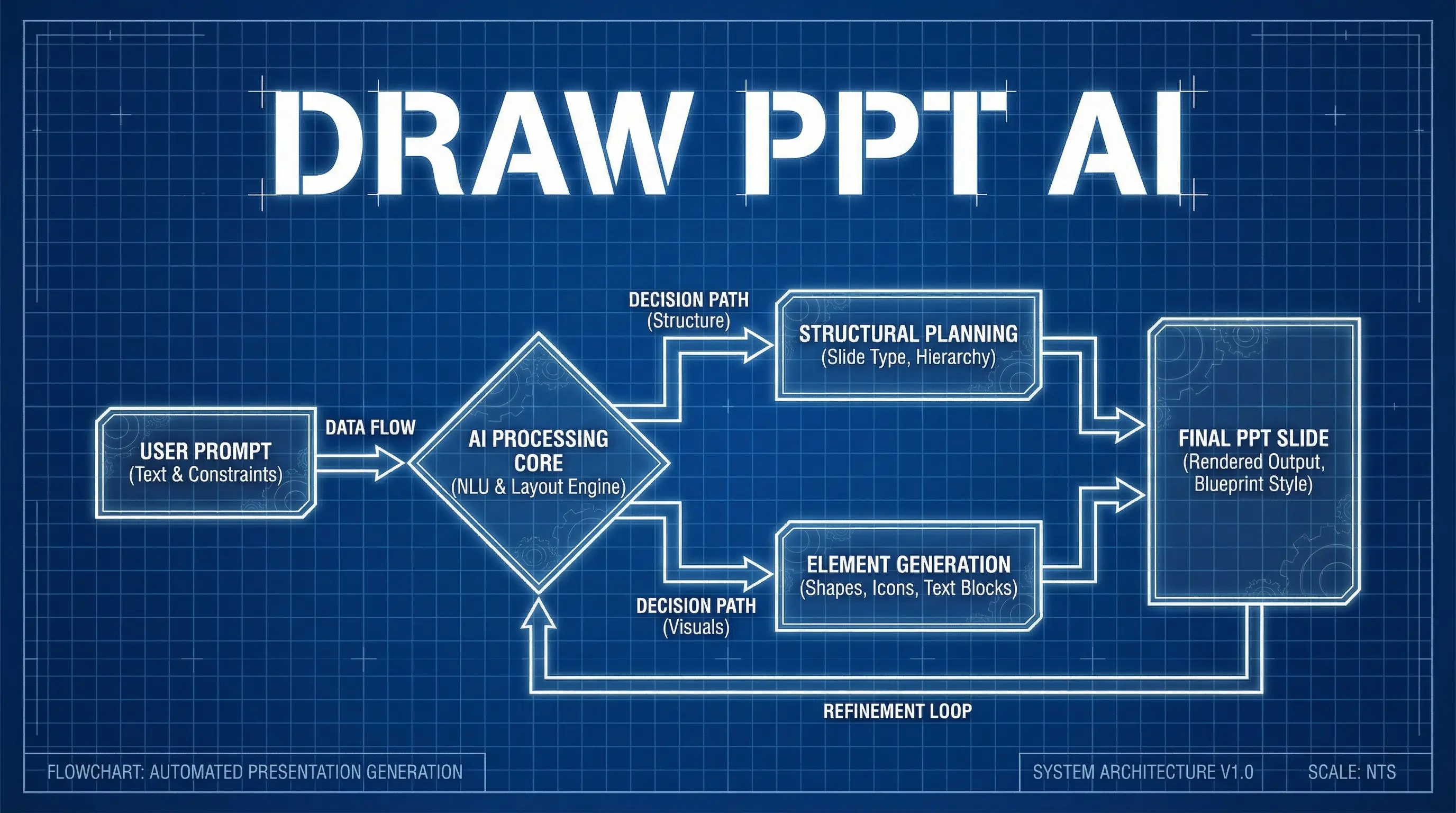
Process Flow Diagram
このスタイルを使用

Process Flow Diagram

Engineering blueprint style flowchart
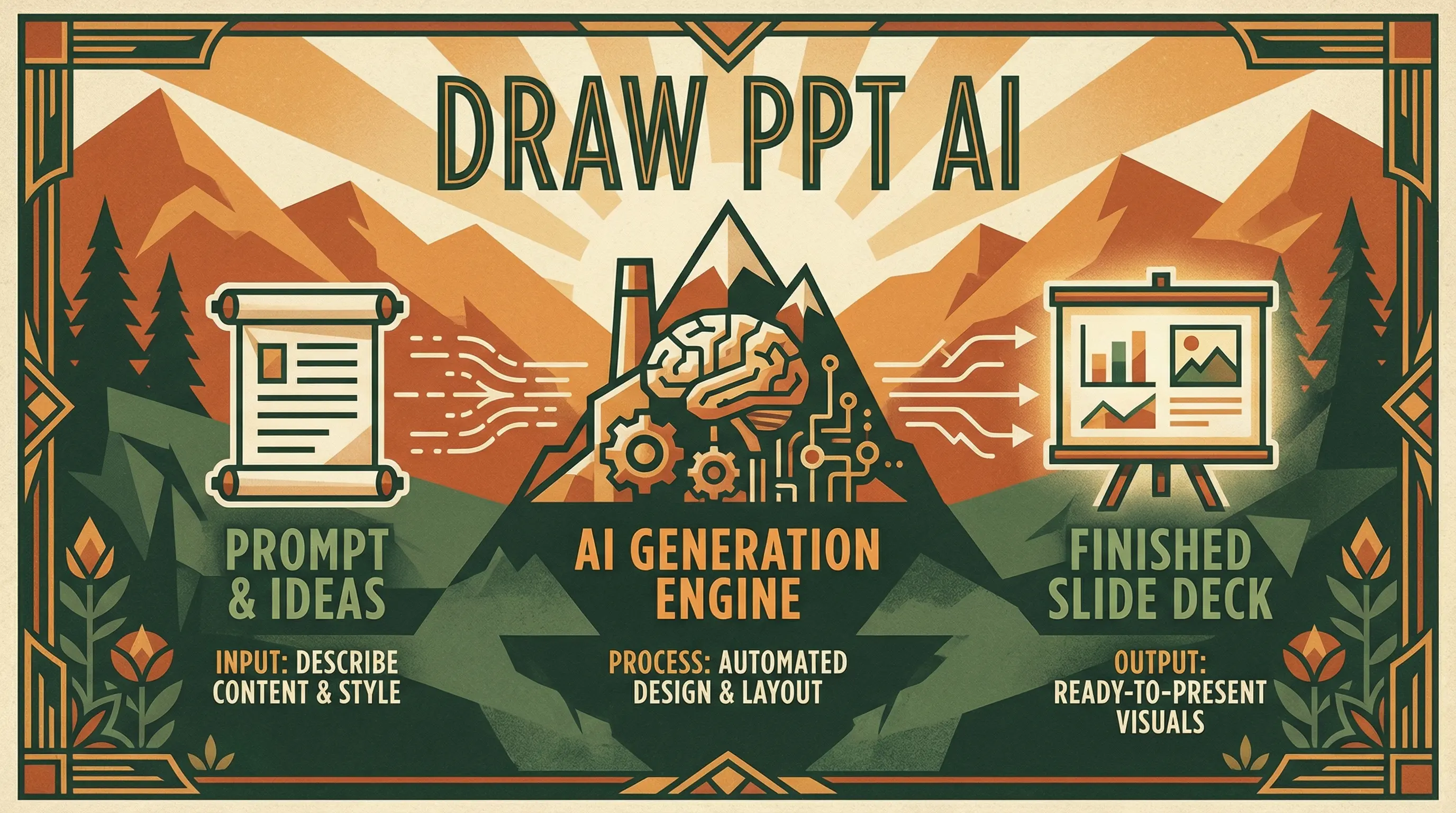
flowchartengineeringblueprint
Cinematic Movie Poster
⭐ Featured
このスタイルを使用

Cinematic Movie Poster

Hollywood blockbuster with dramatic lighting
cinematicmoviedramatic
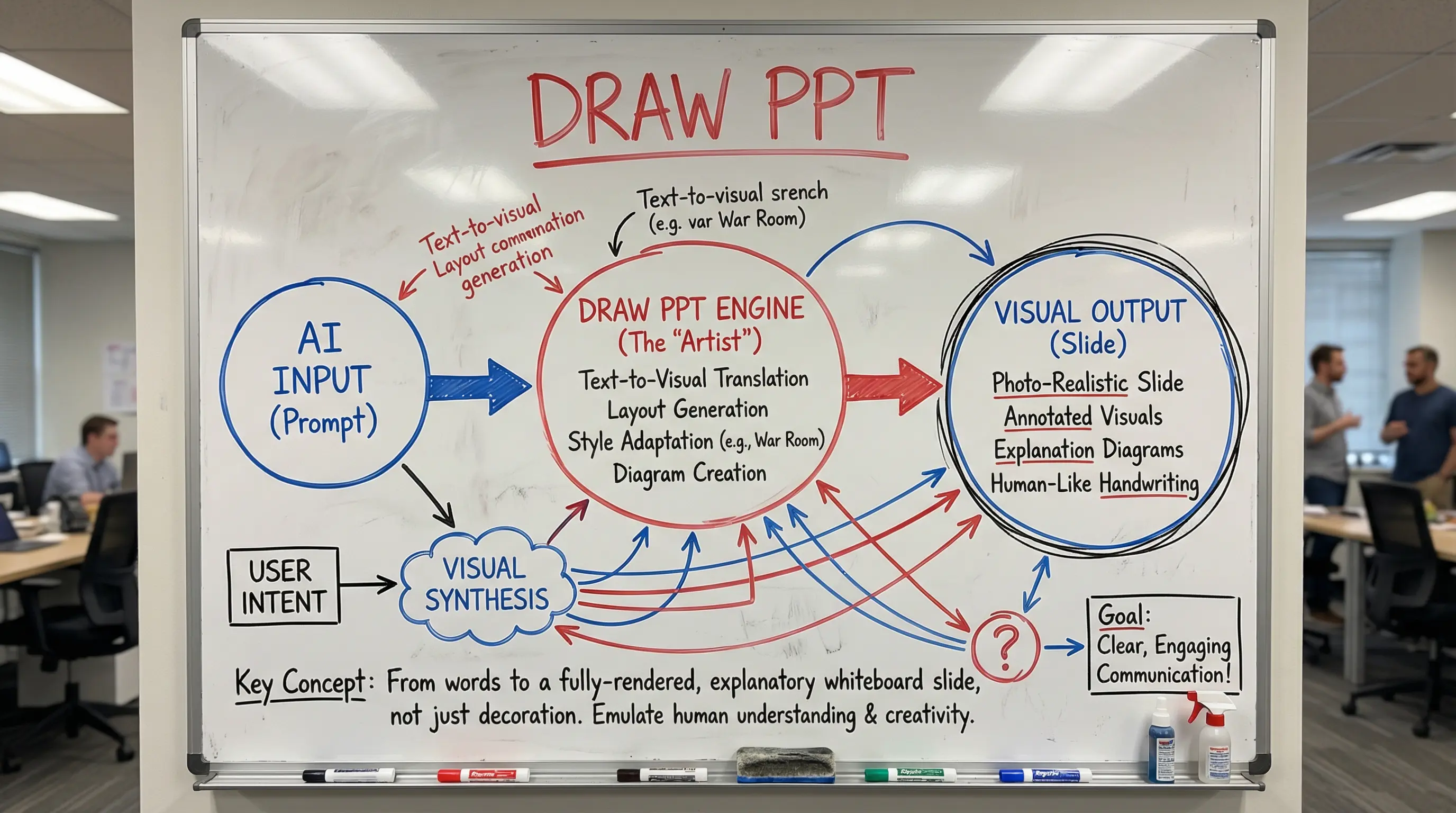
Whiteboard Strategy
このスタイルを使用

Whiteboard Strategy

Startup war room dry-erase marker style
whiteboardstartupstrategy
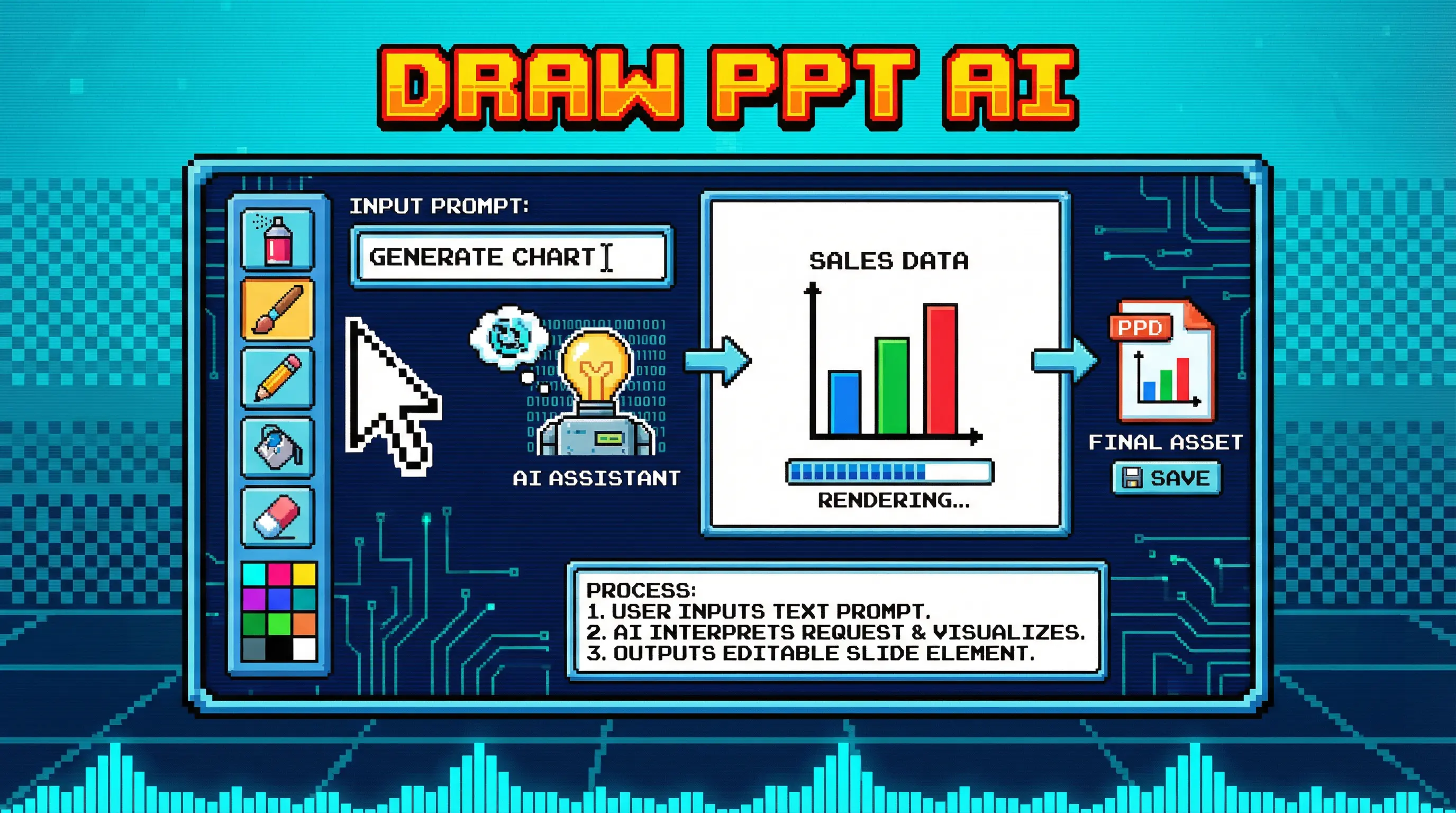
8-Bit Retro Game
New
このスタイルを使用

8-Bit Retro Game

Pixel art NES era nostalgia

8bitpixelretro
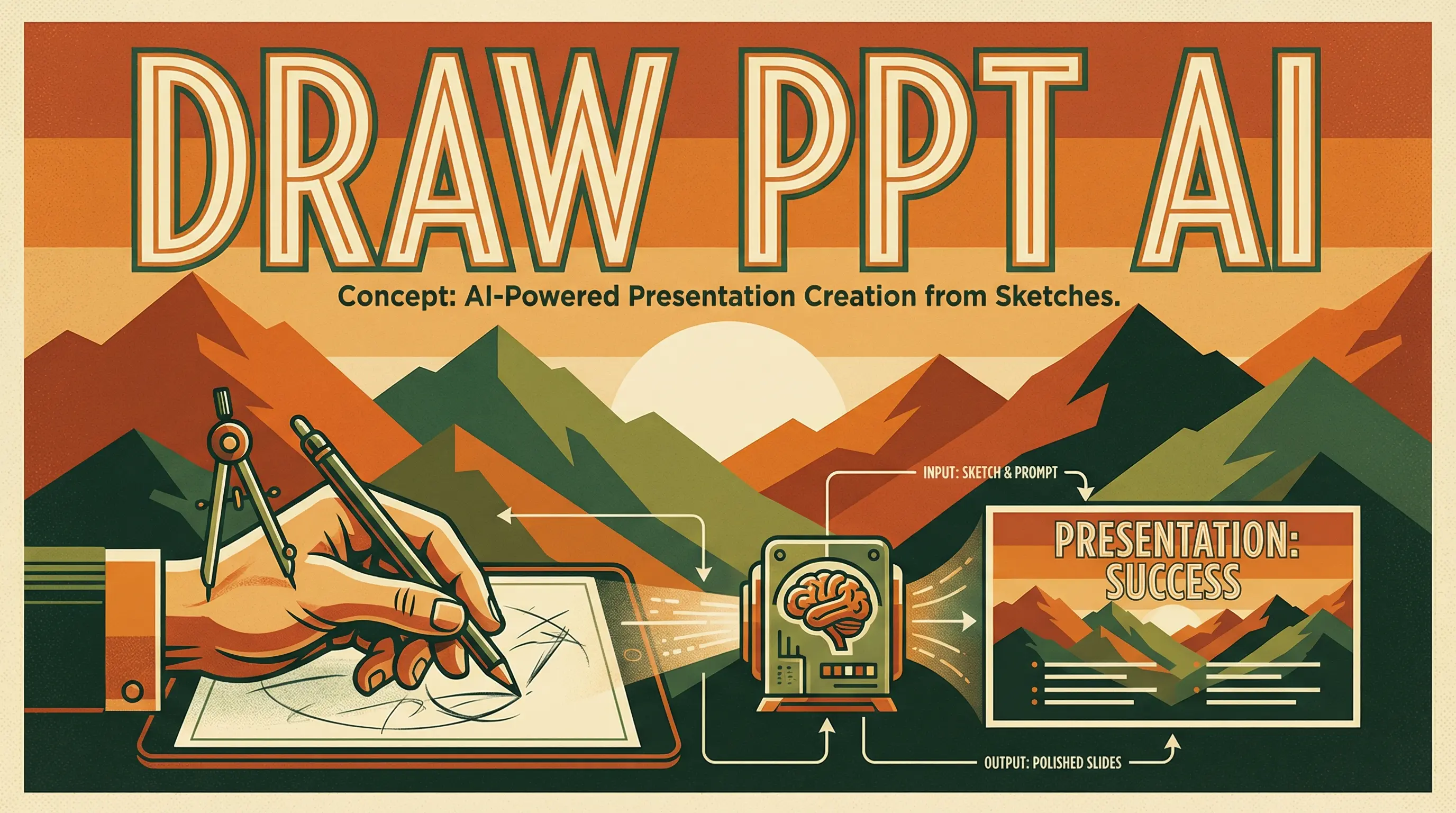
Vintage Travel Poster
このスタイルを使用

Vintage Travel Poster

Art Deco WPA National Parks style

vintagetravelartdeco
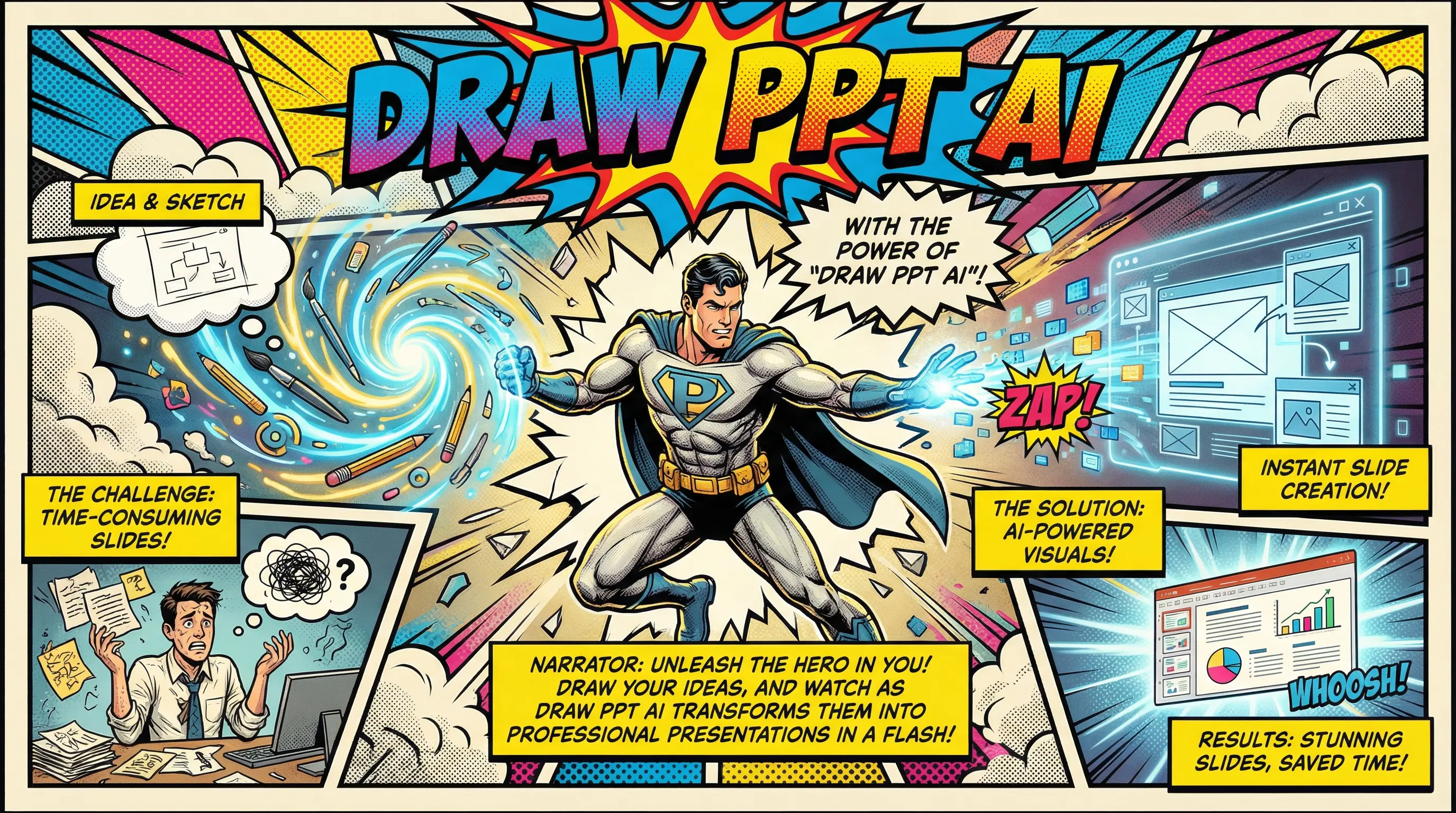
Comic Book Hero
このスタイルを使用

Comic Book Hero

Vintage Marvel/DC halftone action style
comicsuperherohalftone
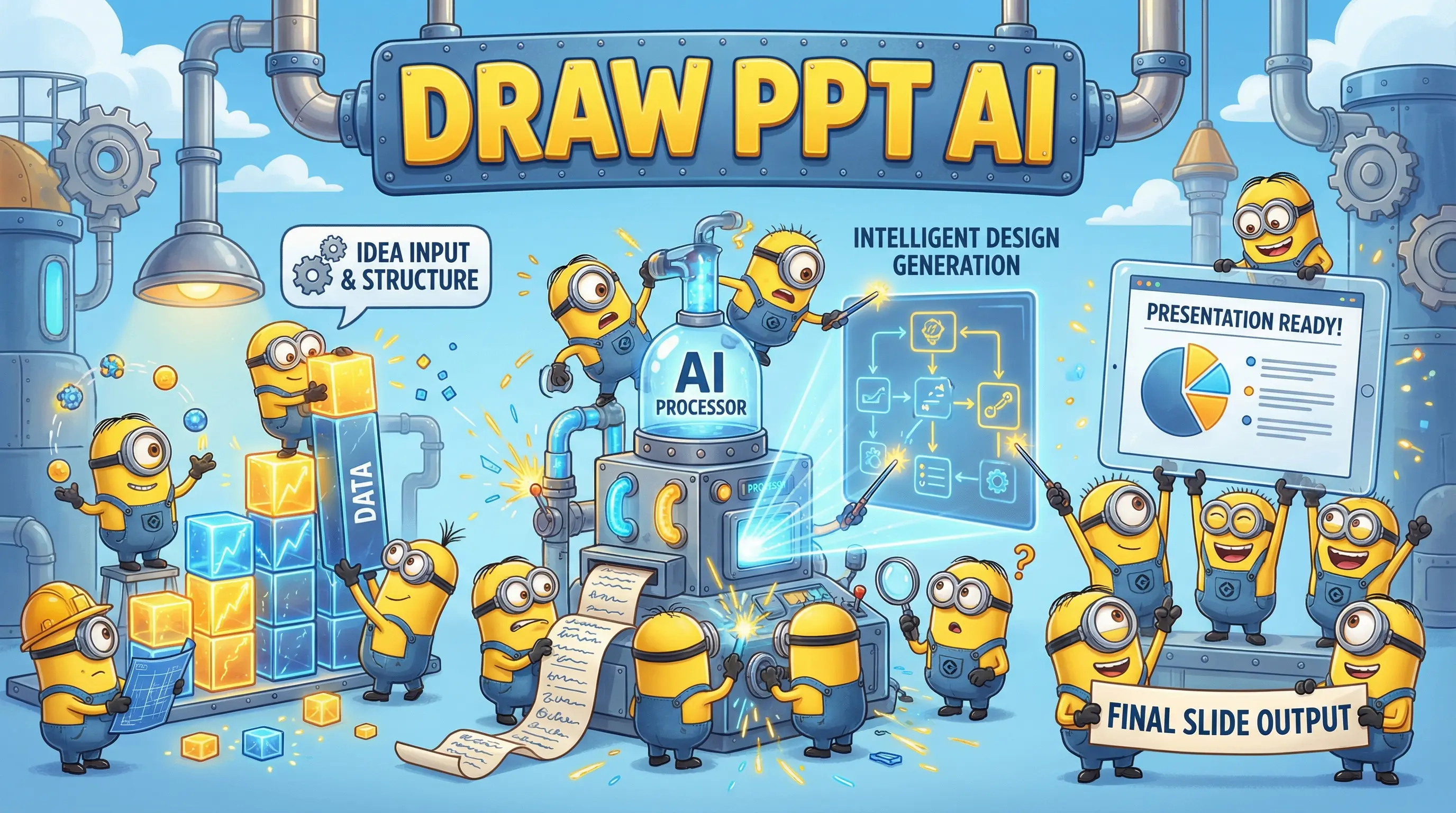
Minion Mayhem
このスタイルを使用

Minion Mayhem

Animated movie playful yellow helpers
minionanimatedplayful
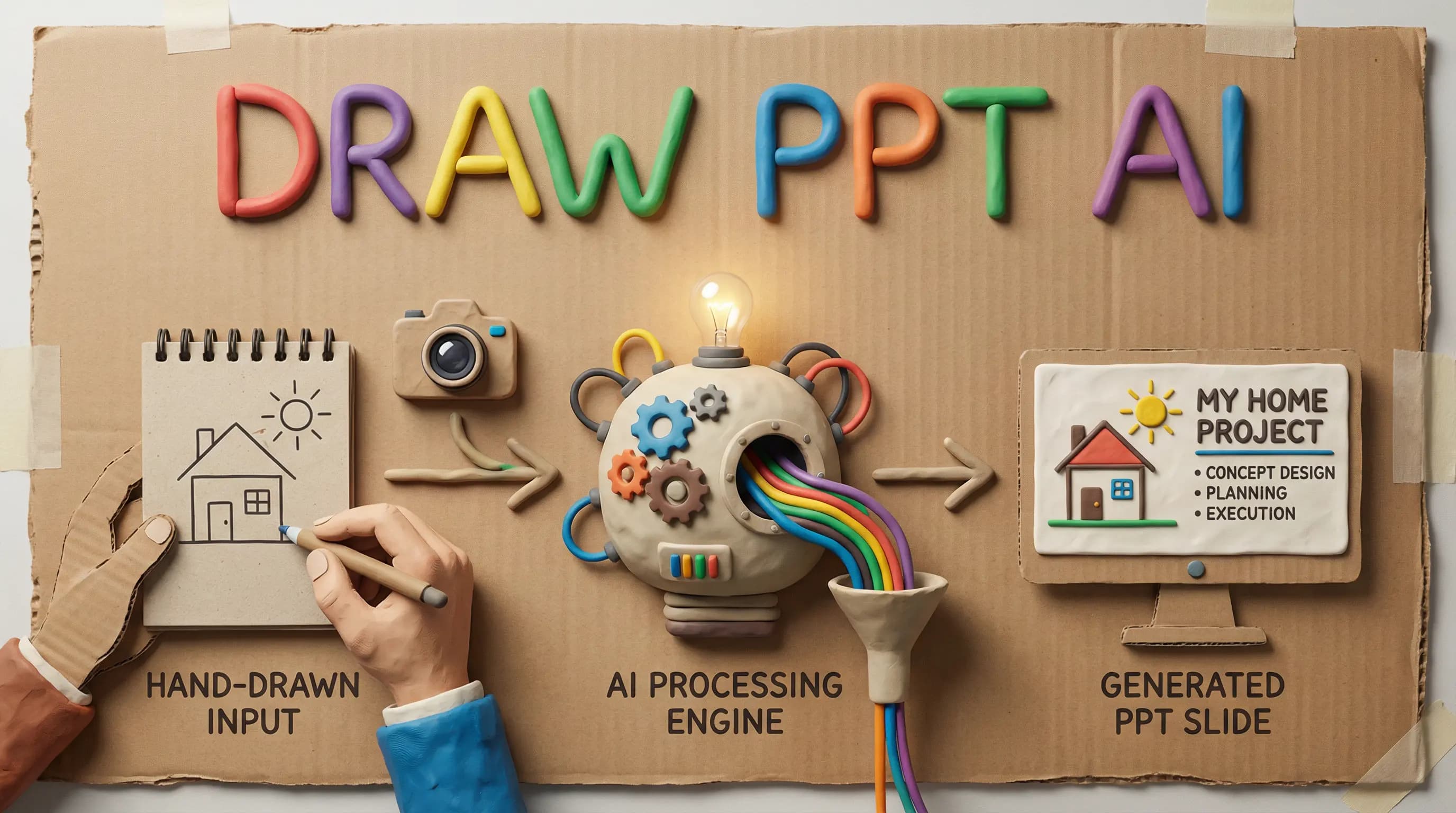
Claymation Studio
このスタイルを使用

Claymation Studio

Plasticine stop-motion handmade texture
claymationstopmotionhandmade
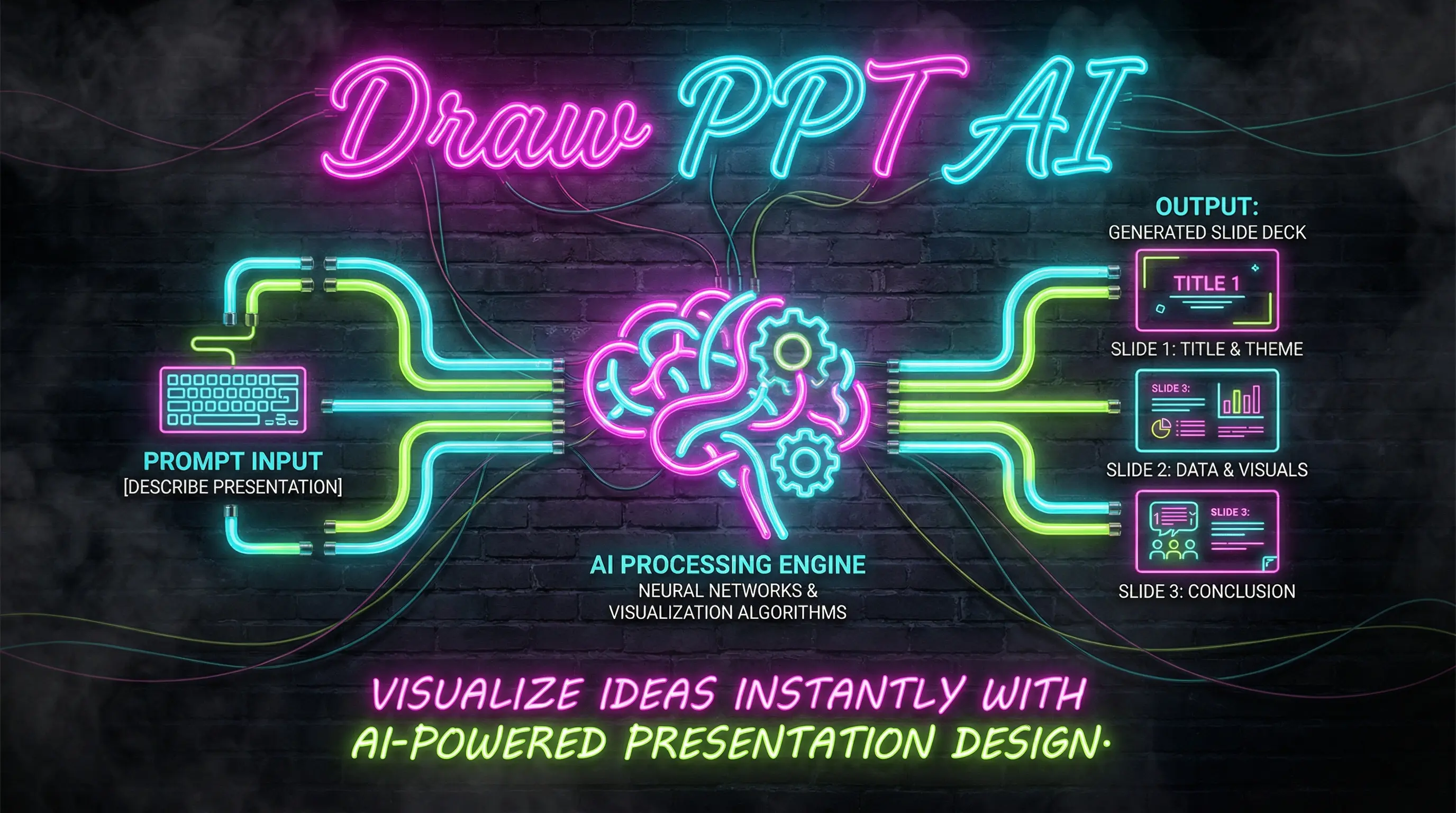
Neon Nightlife
このスタイルを使用

Neon Nightlife

Cyberpunk Las Vegas glowing tubes

neonnightlifecyberpunk
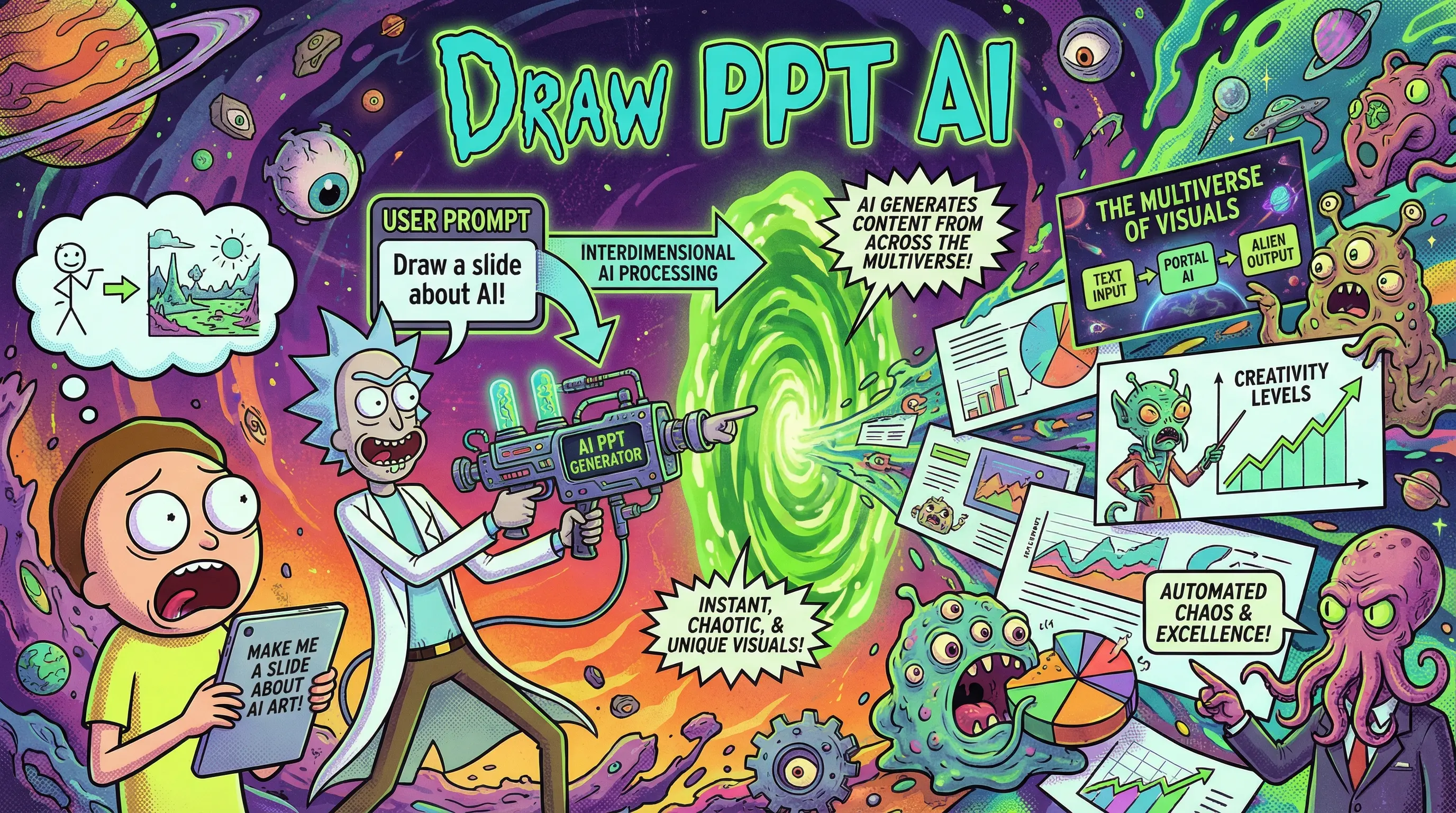
Rick and Morty Style
New
このスタイルを使用

Rick and Morty Style

Adult Swim animated sci-fi comedy

rickmortyanimatedscifi

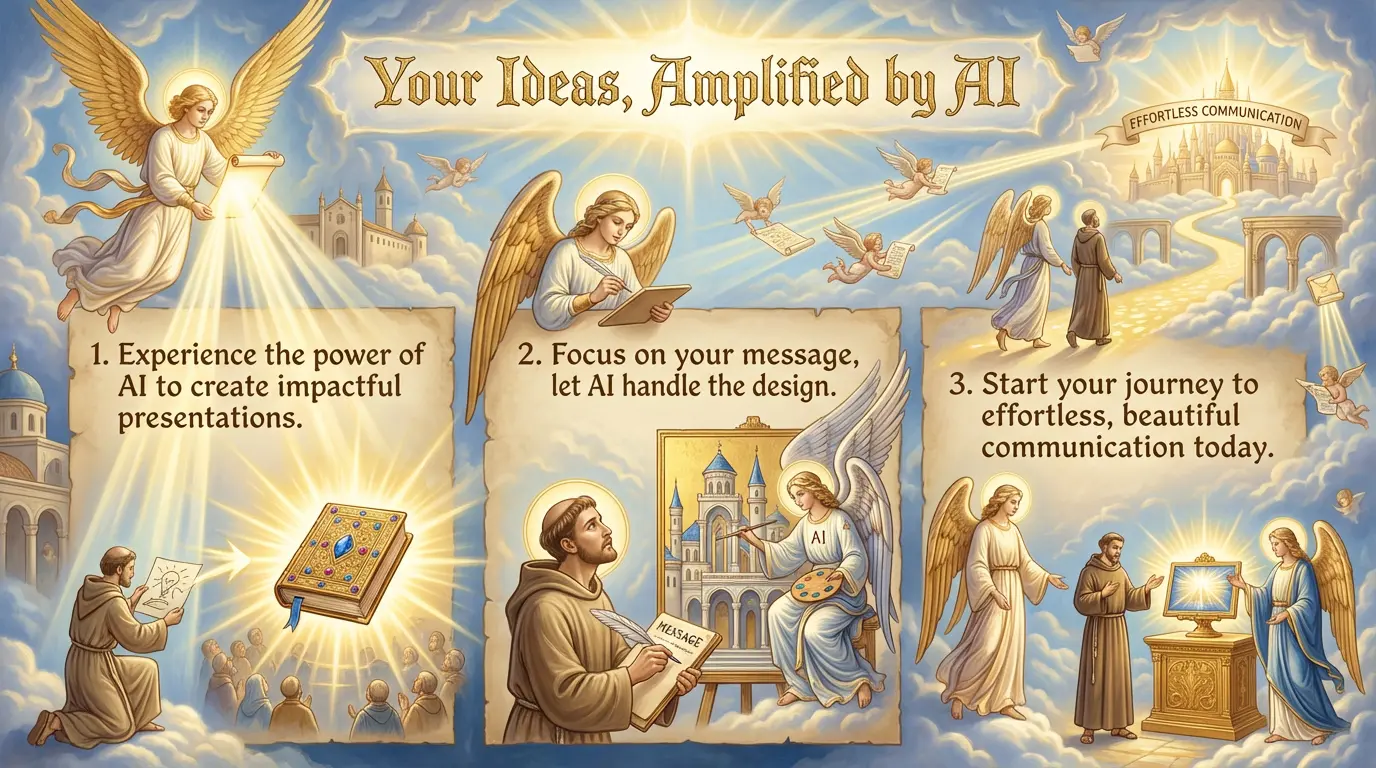
選ばれる理由

強力な機能

数分で素晴らしいプレゼンテーションを作成するために必要なすべてが揃っています。
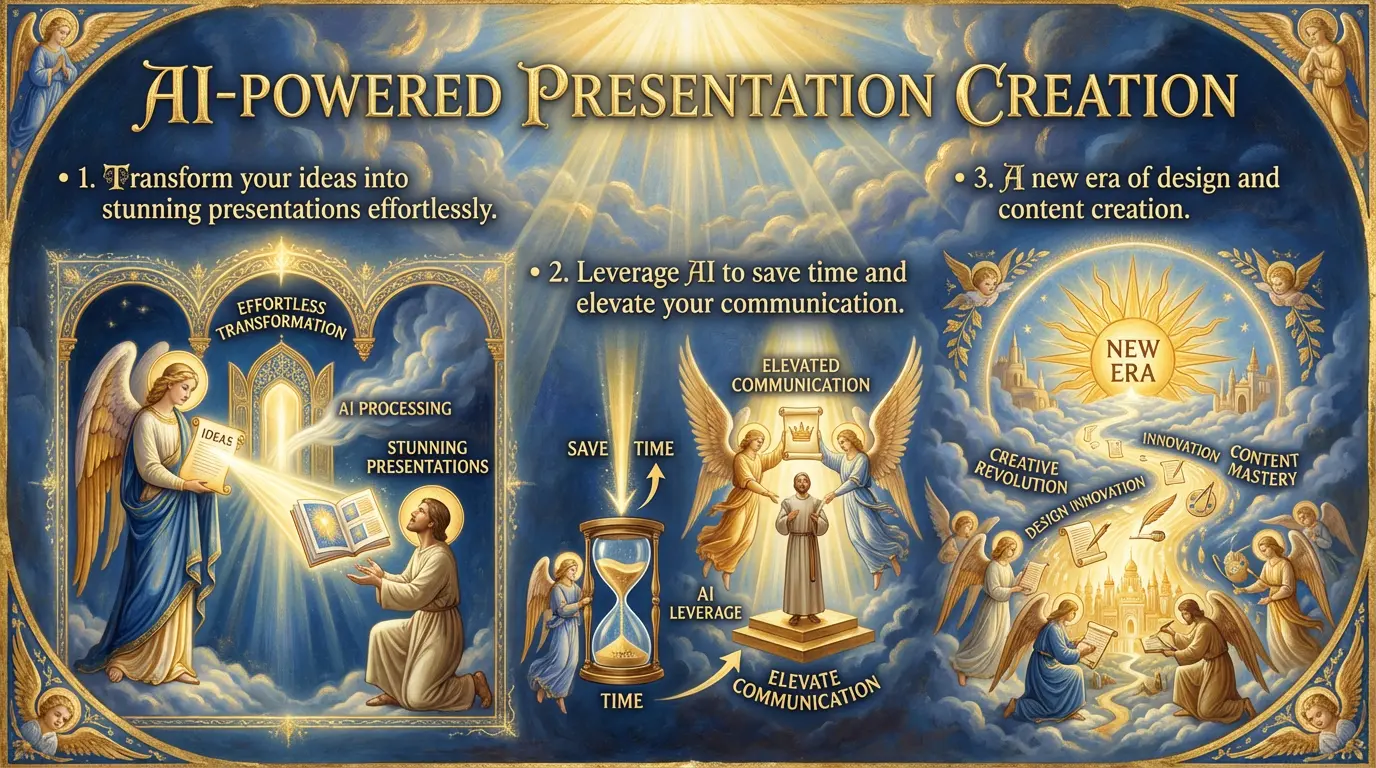
aiPowered
Feature 01

AI搭載の生成

高度なAIがコンテンツを理解し、完璧なレイアウトとビジュアルで美しいスライドを自動生成します。

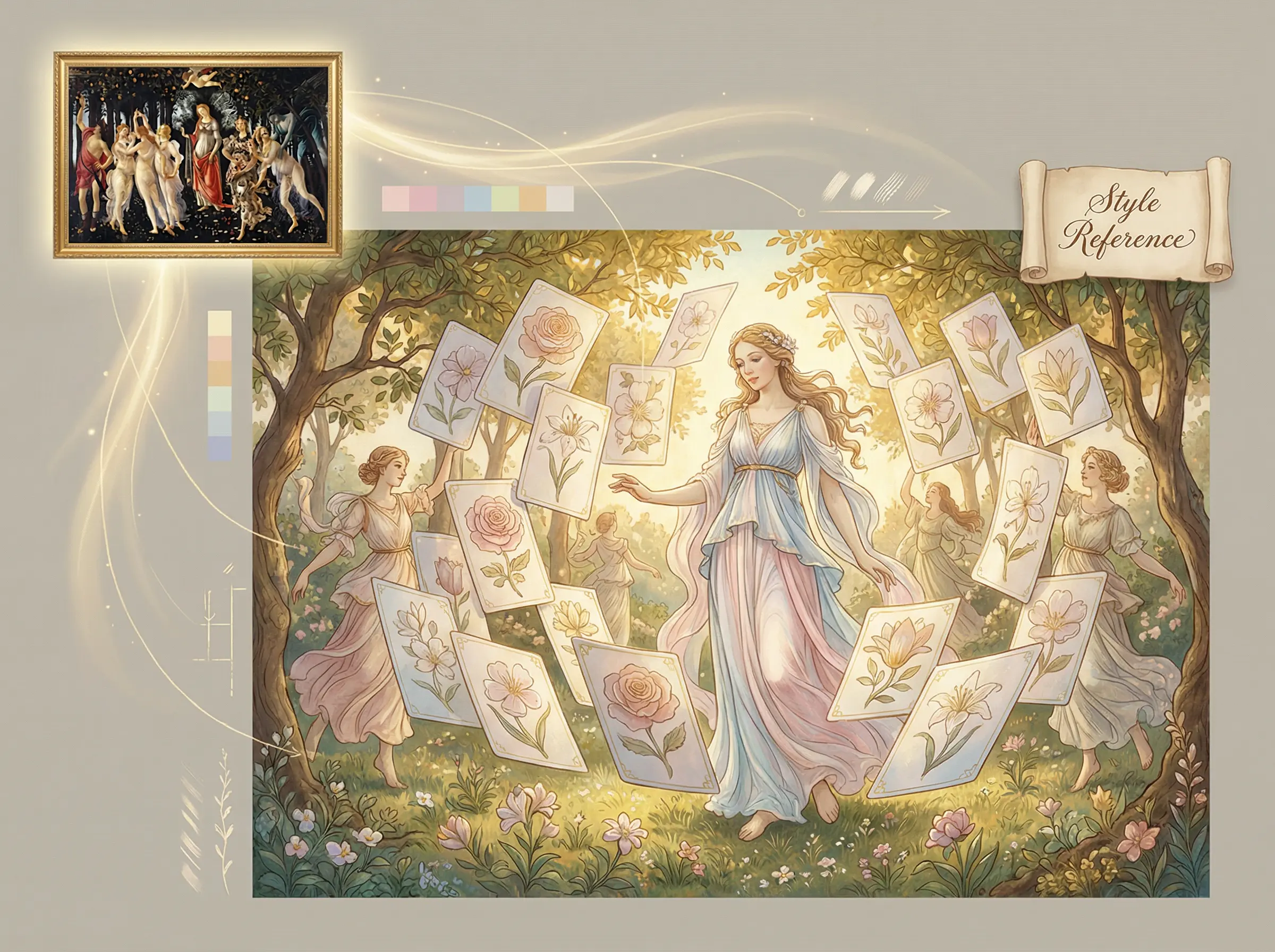
styleReference
Feature 02

スタイルリファレンス

リファレンス画像をアップロードすると、AIがそのビジュアルスタイルを分析して再現します。

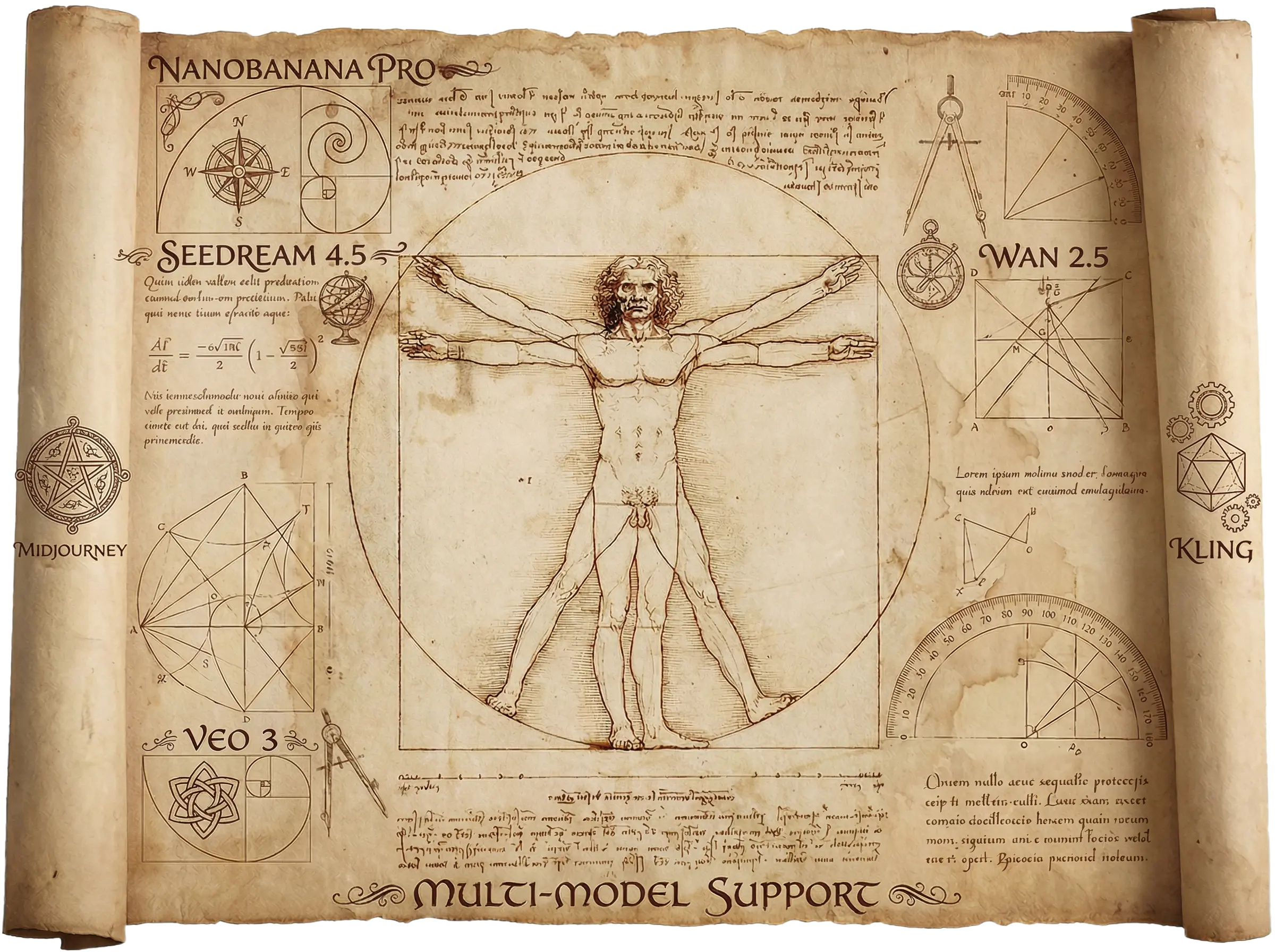
multiModel
Feature 03

マルチモデル対応

GPT-4、Geminiなど複数のAIモデルから最適な結果を選択できます。

✏️

リアルタイム編集

テキストの編集、画像の入れ替え、あらゆる要素のカスタマイズをリアルタイムでプレビュー。

📤

エクスポートオプション

PPTX、PDF、高解像度画像など、複数のフォーマットでエクスポート可能。

🌍

多言語対応

英語、中国語、日本語など、あらゆる言語でプレゼンテーションを作成できます。

シンプルなプロセス

使い方

アイデアから素晴らしいプレゼンテーションまで数分で。デザインスキル不要。

Step 1

コンテンツを説明

プレゼンテーションの内容を教えてください。重要なポイント、ターゲット視聴者、好みのスタイルを含めてください。
📝
Step 1 - コンテンツを説明
Made byDrawPPT AI
Step 2

AIがアウトラインを生成

AIが入力を分析し、各スライドの推奨ビジュアルを含む構造化されたアウトラインを作成します。
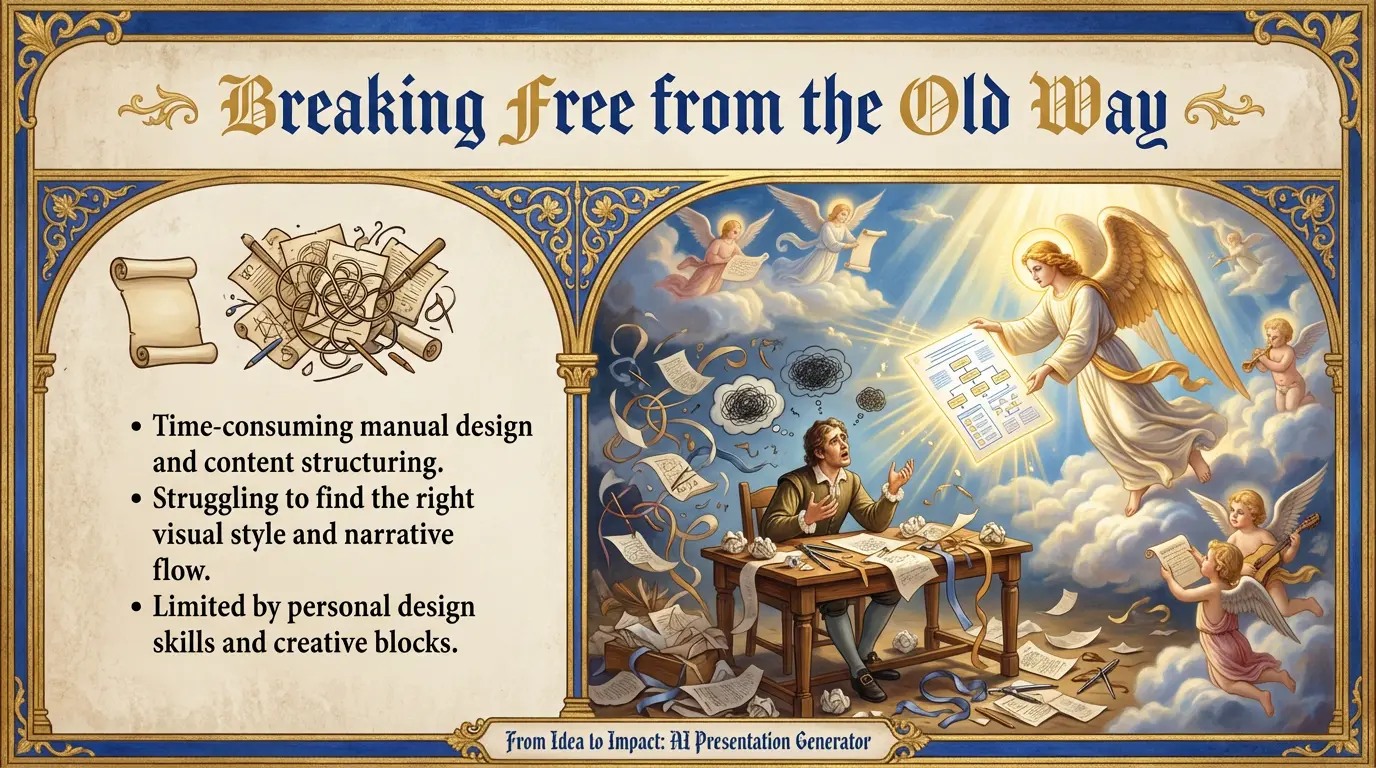
✨
Step 2 - AIがアウトラインを生成
Made byDrawPPT AI
Step 3

レビュー&カスタマイズ

生成されたスライドをプレビューし、コンテンツを編集、画像を入れ替え、細部を調整します。
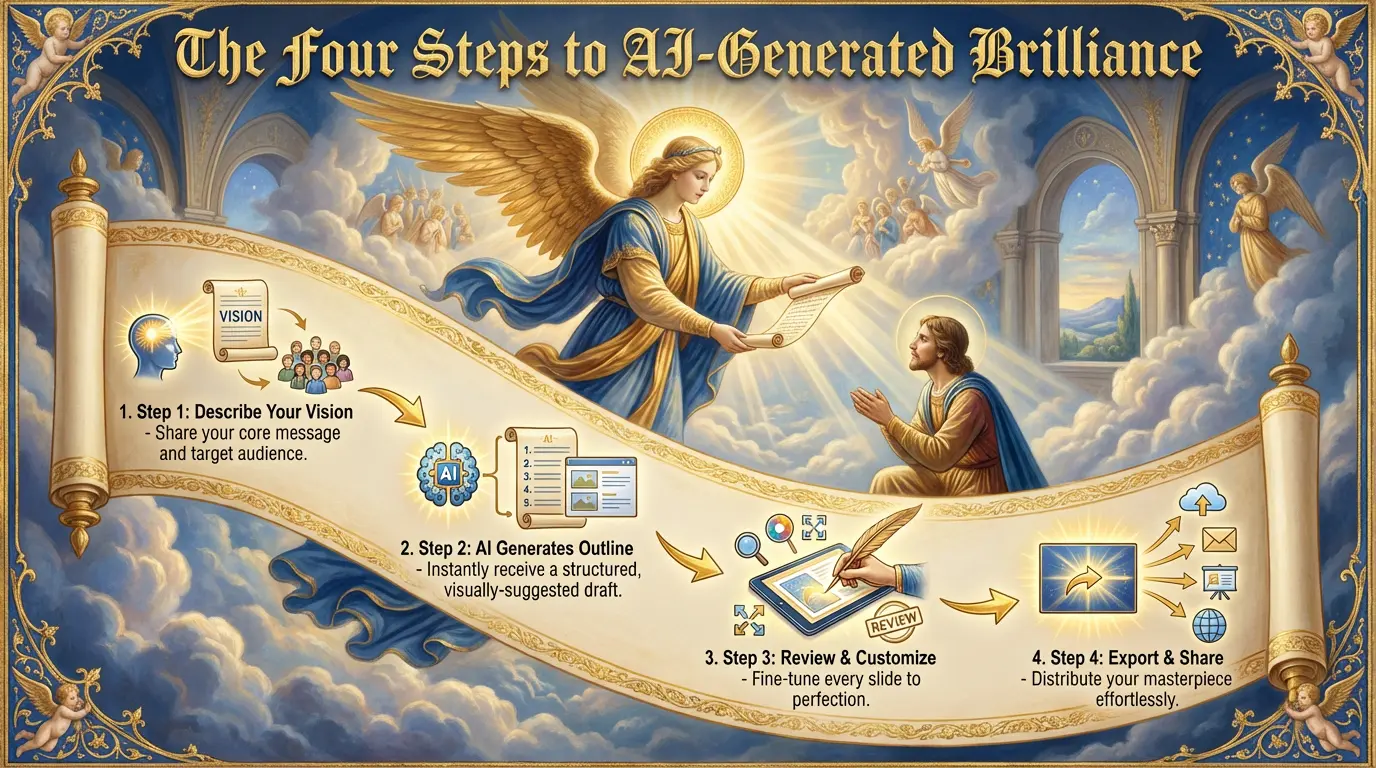
👁️
Step 3 - レビュー&カスタマイズ
Made byDrawPPT AI
Step 4

エクスポート&共有

お好みのフォーマットでプレゼンテーションをダウンロードし、世界と共有しましょう。
🚀
Step 4 - エクスポート&共有
Made byDrawPPT AI

よくある質問

ご質問がありますか?お答えします。

まだ質問がありますか?