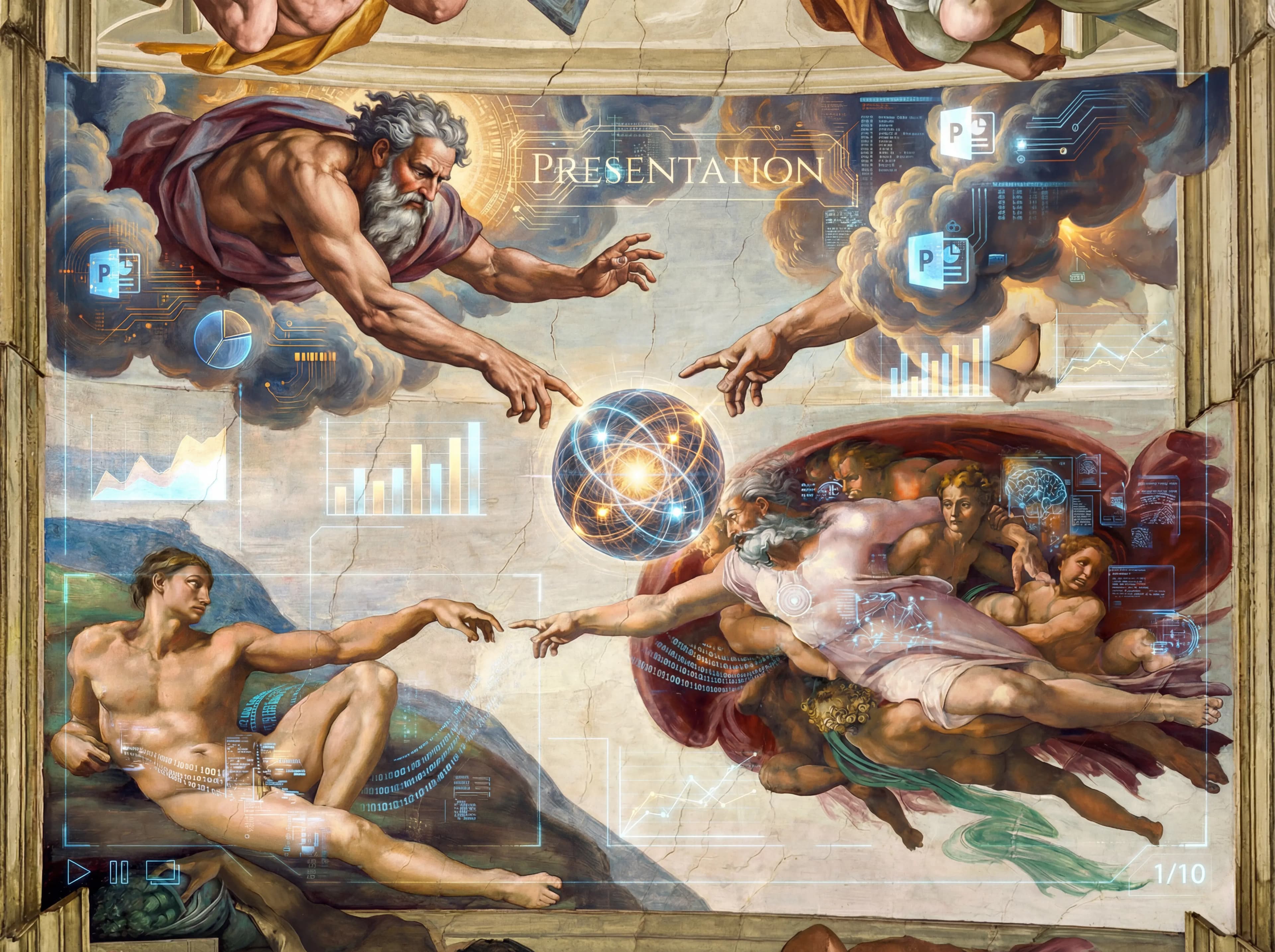
Feature 01
AI-Powered Generation
Advanced AI understands your content and automatically generates beautiful slides with perfect layouts and visuals.

Text In. Slides Out.
AI-powered presentation generator


Choose a template style to jumpstart your presentation. Click any template to apply its visual style.
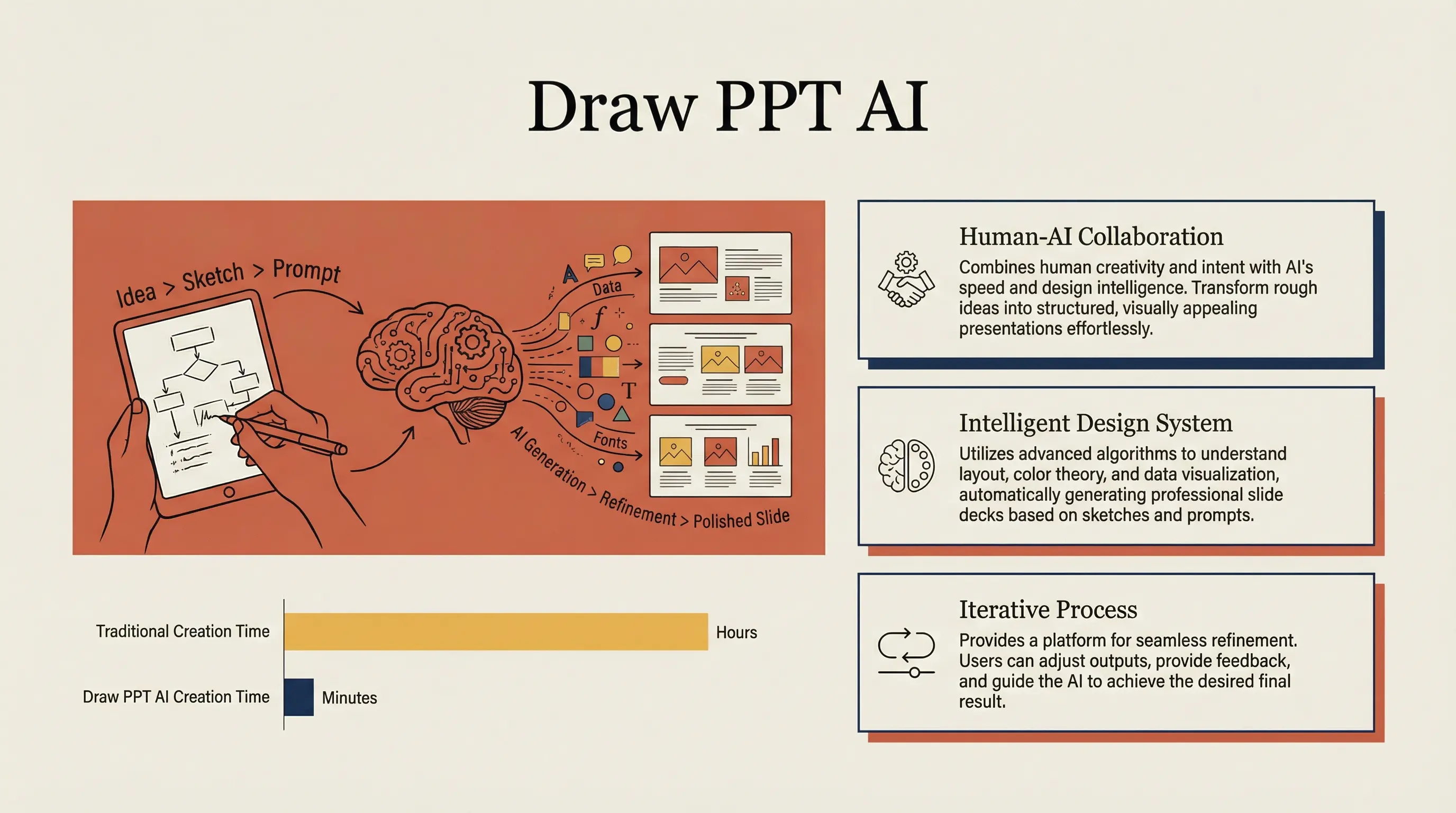
Warm academic humanism in Anthropic/Claude style

Clean Swiss design with ample whitespace

Dark UI with high contrast, perfect for SaaS products

Clean presentation style inspired by TED talks
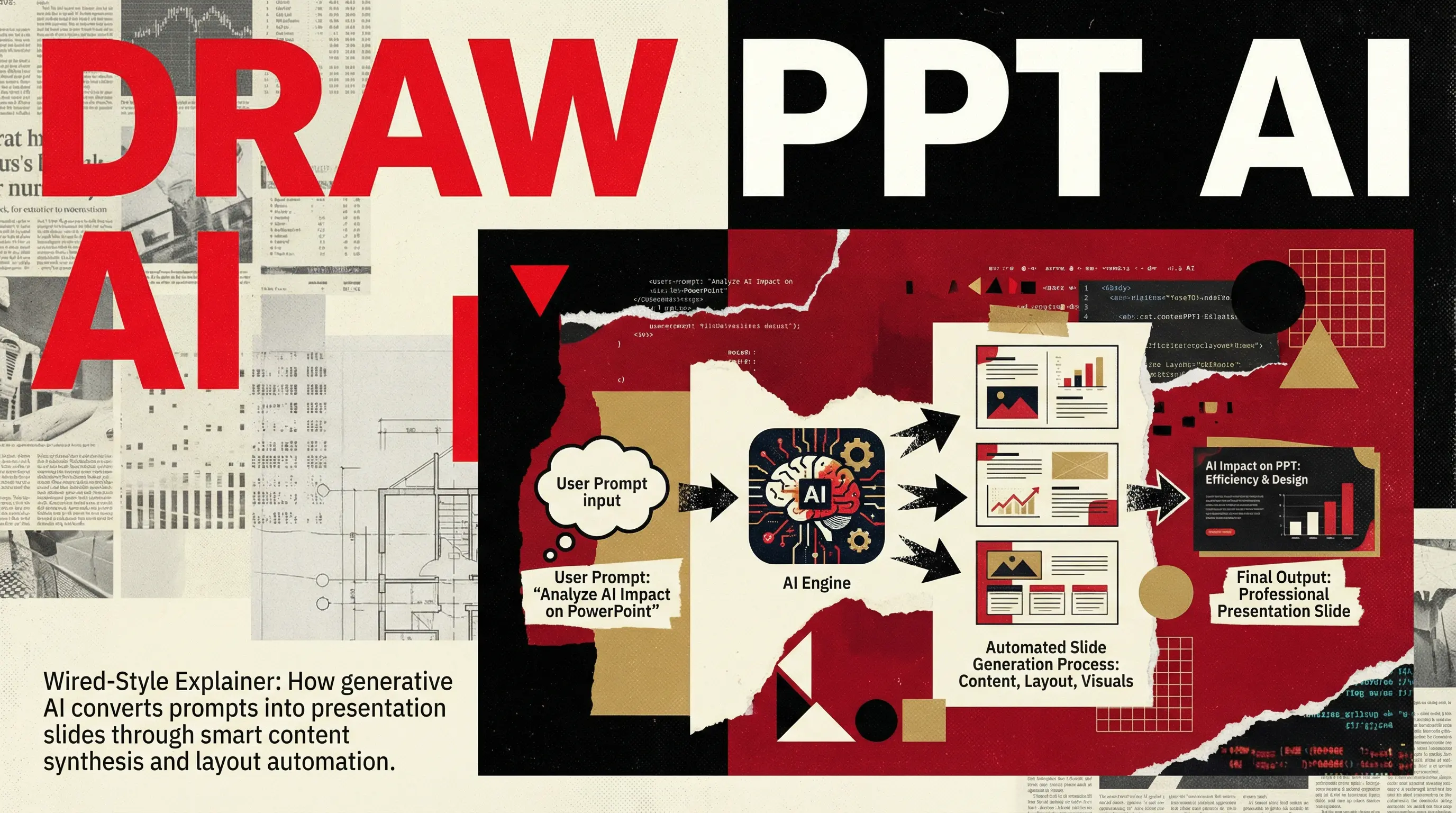
Wired Magazine style, high-impact journalism
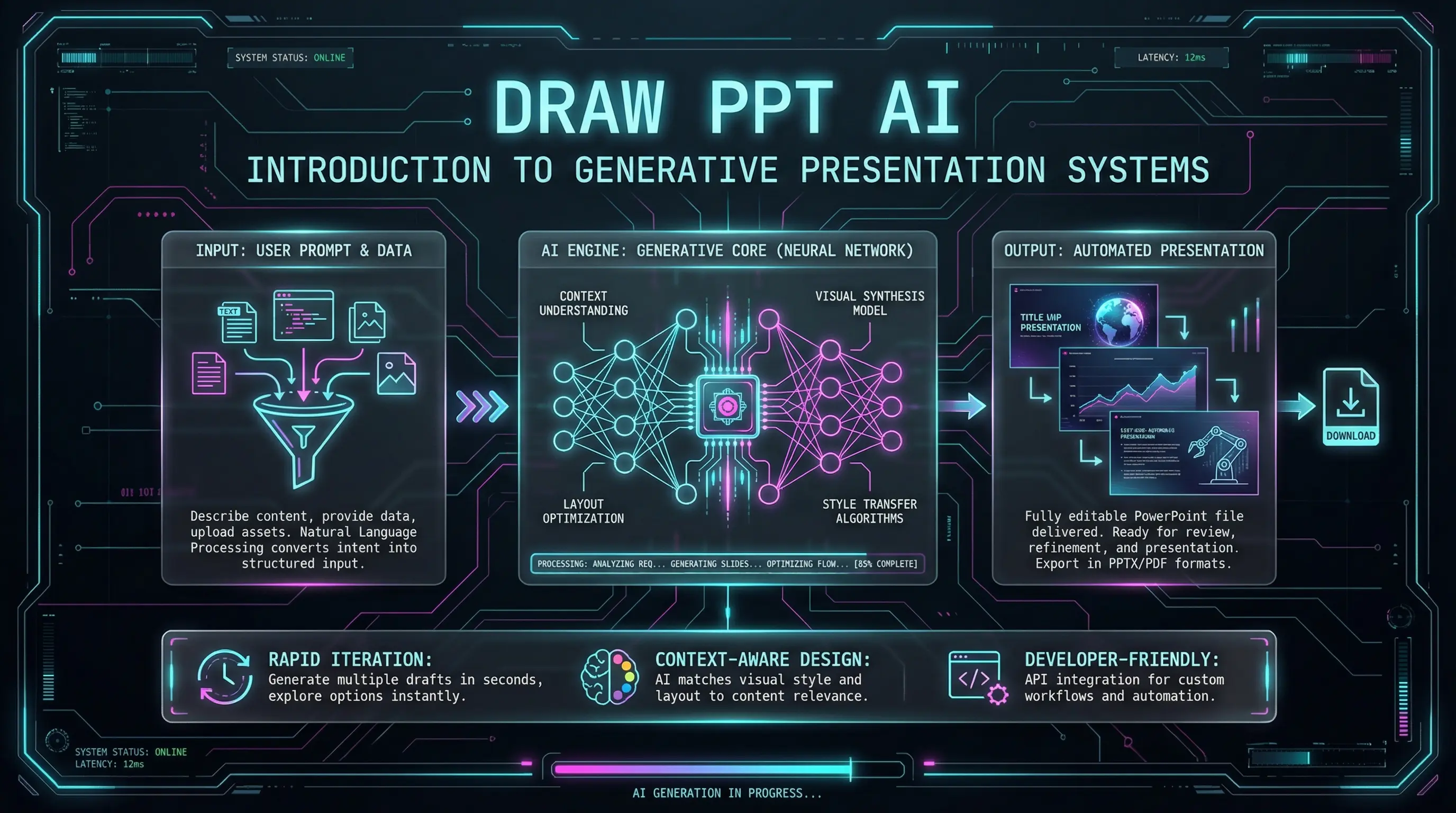
Cyberpunk futuristic UI with neon accents
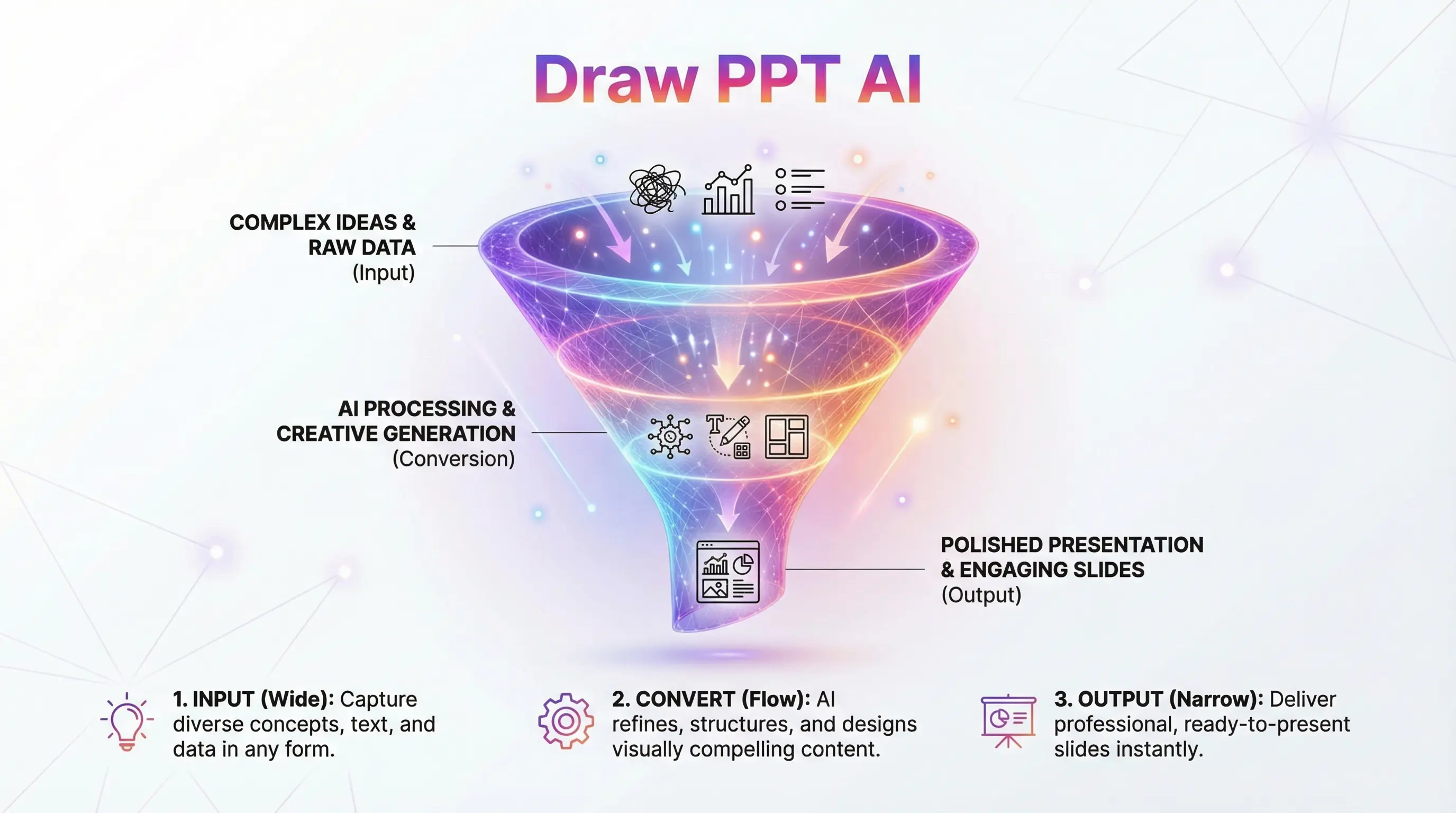
Marketing conversion flow with modern gradients
Friendly, approachable educational design
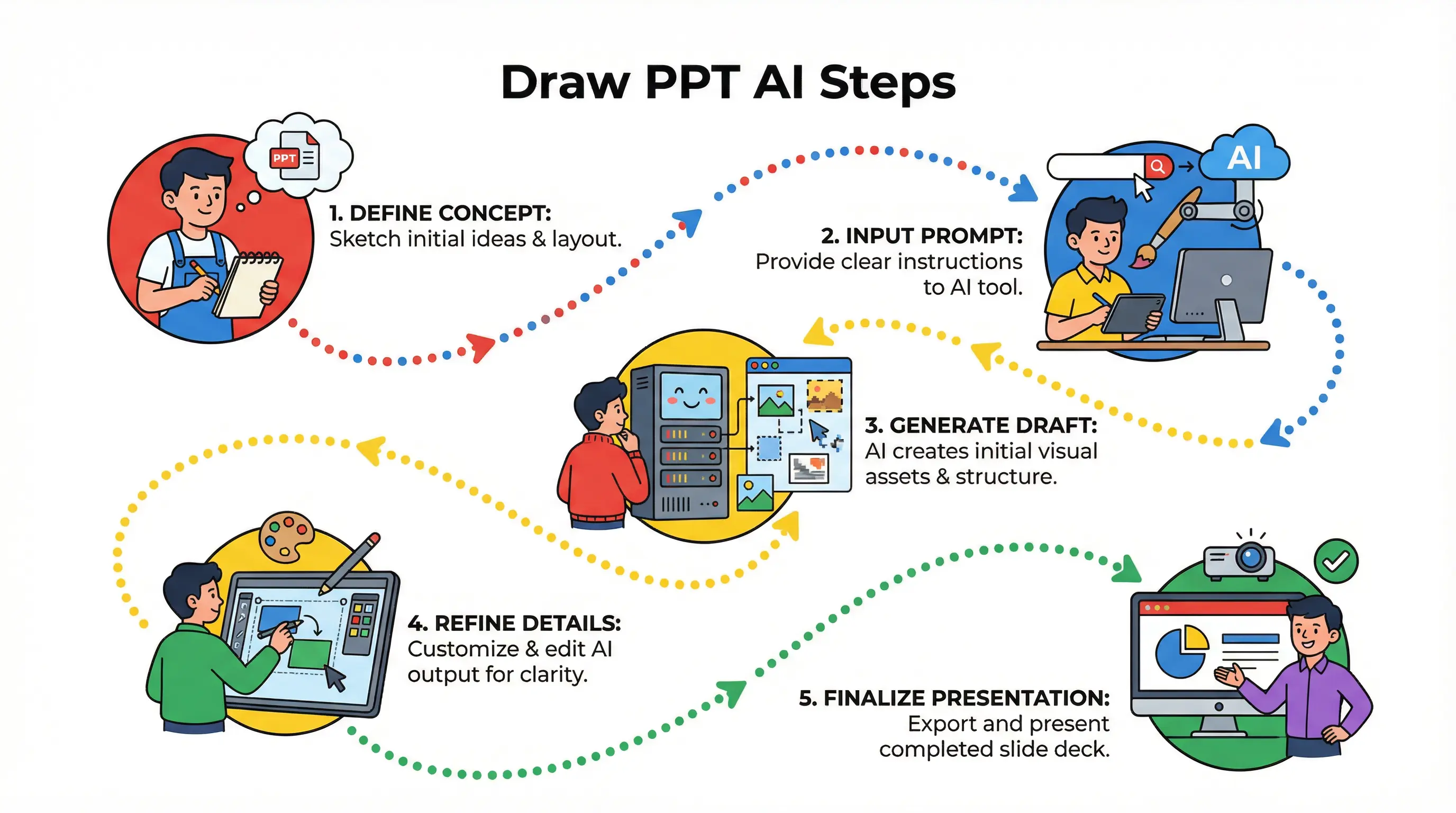
Step-by-step instruction manual style

Notebook brainstorming style with doodles

Neural network style brainstorming web
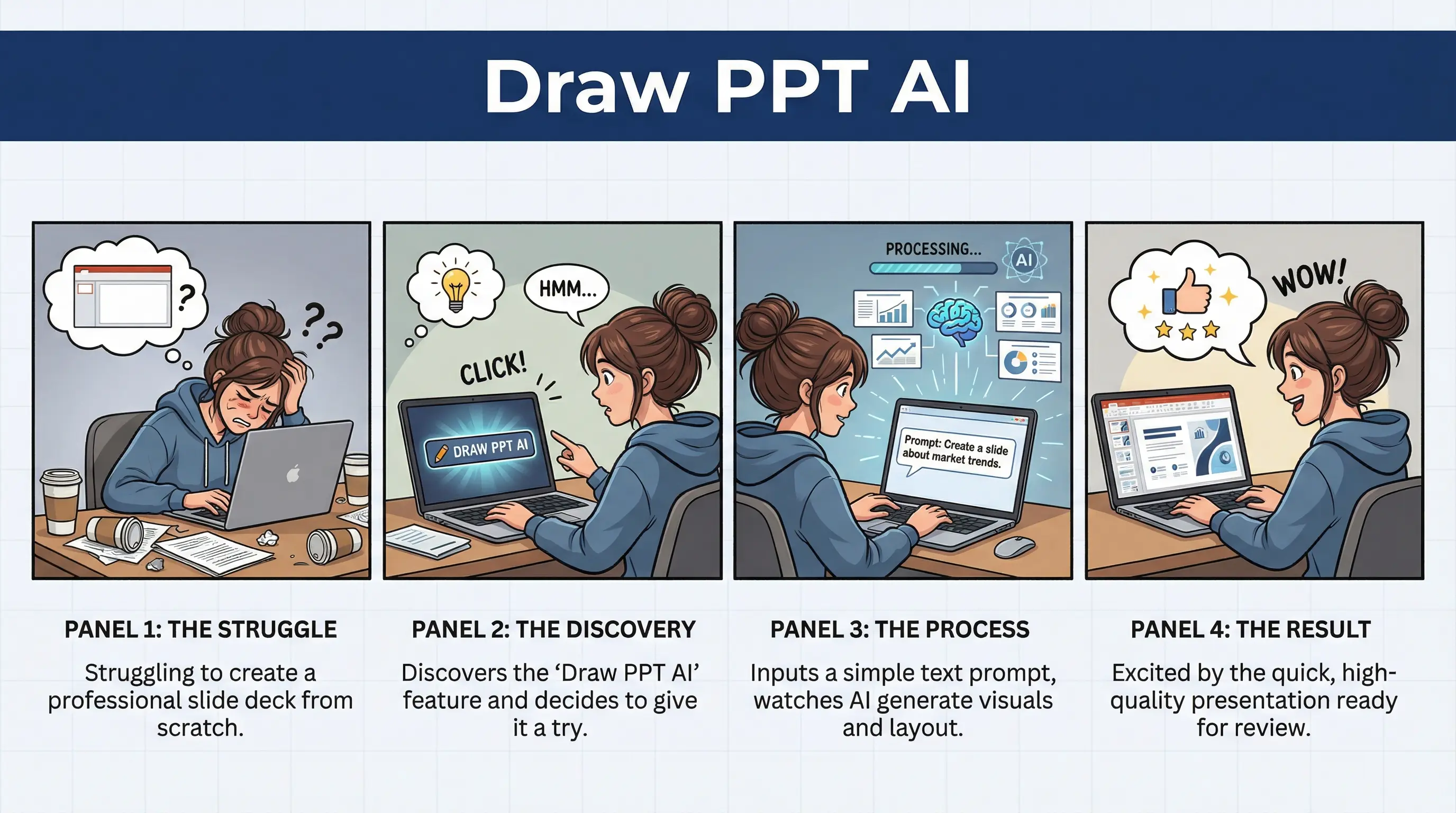
User experience comic strip narrative
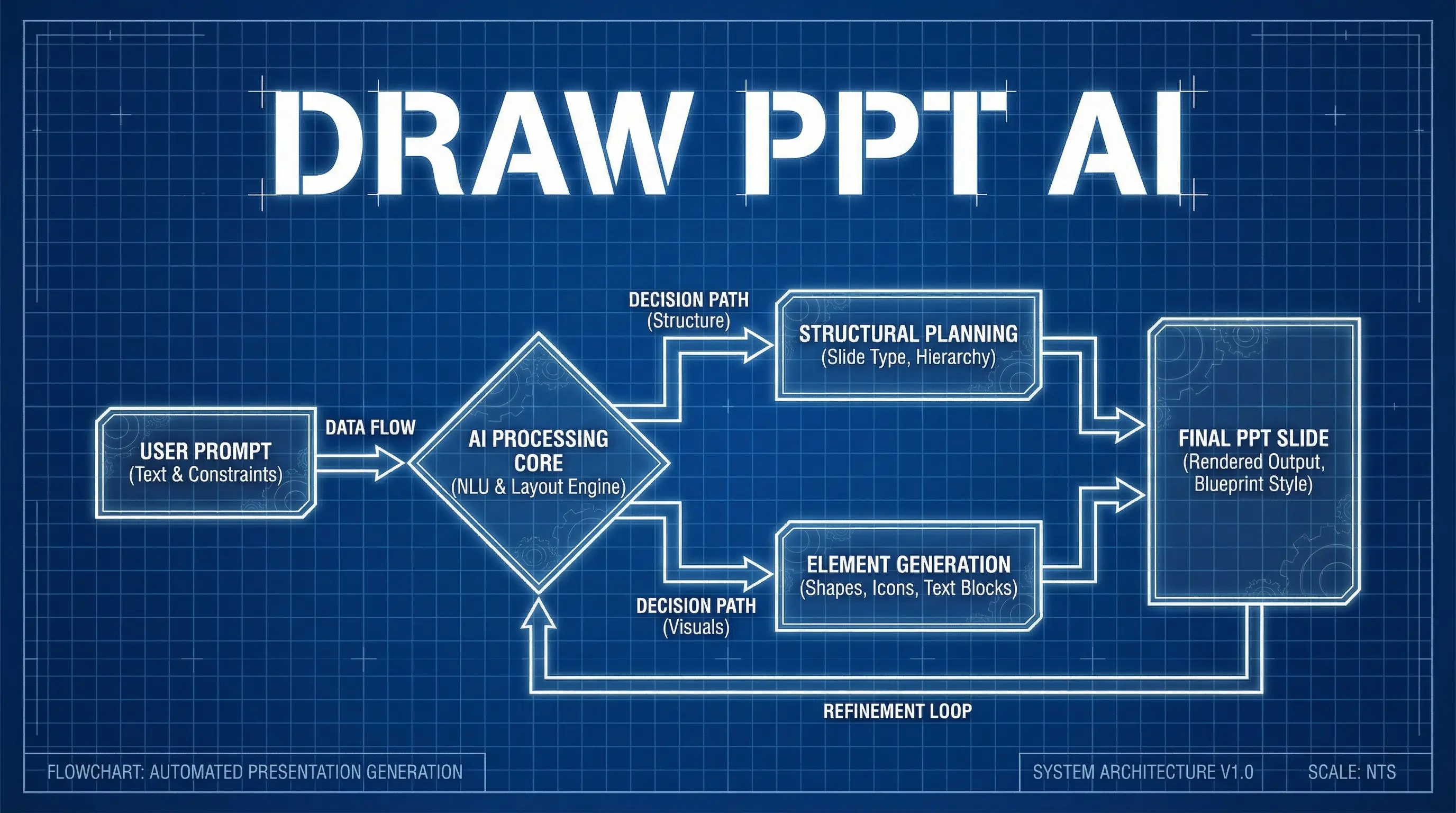
Engineering blueprint style flowchart
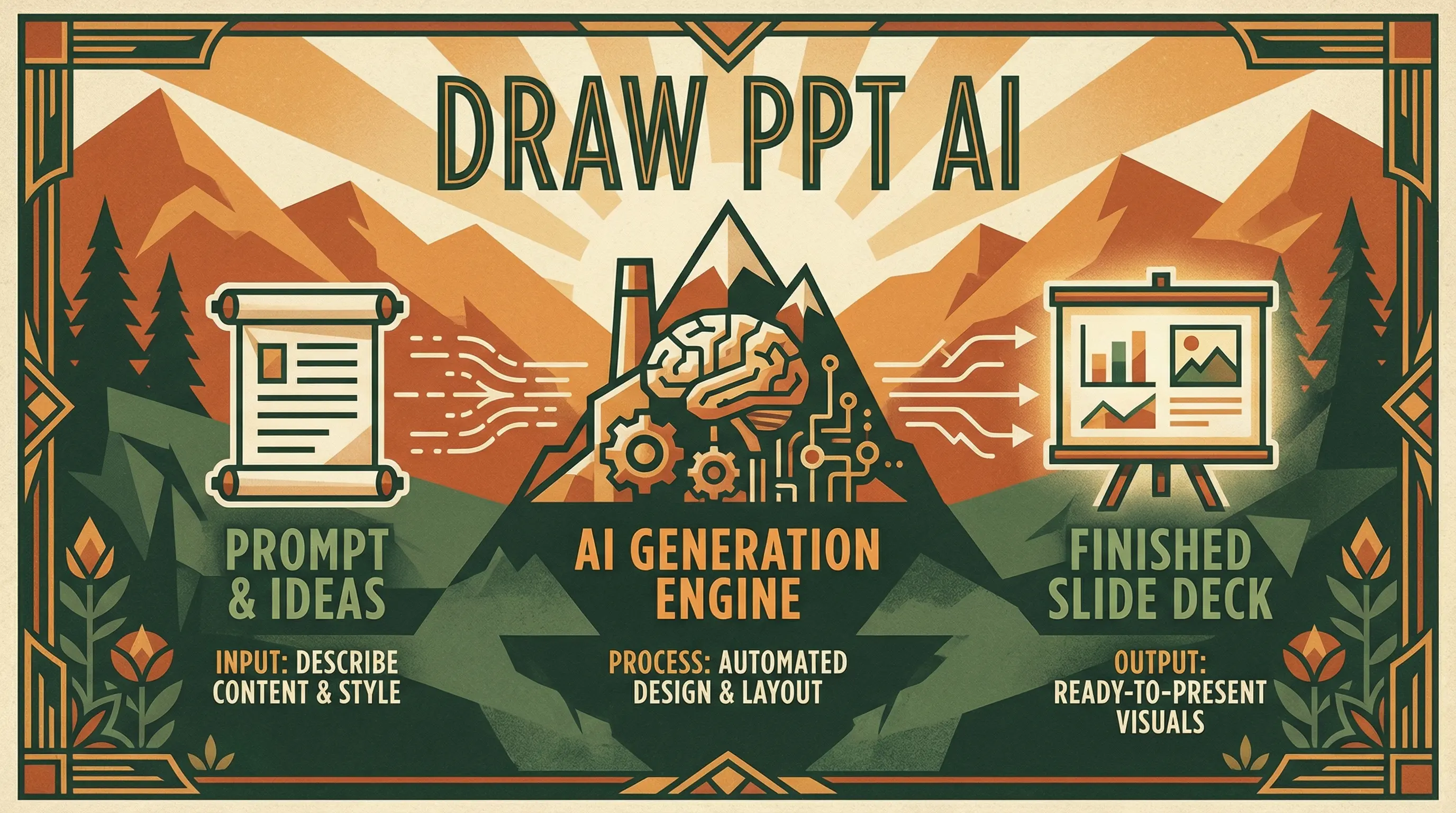
Hollywood blockbuster with dramatic lighting
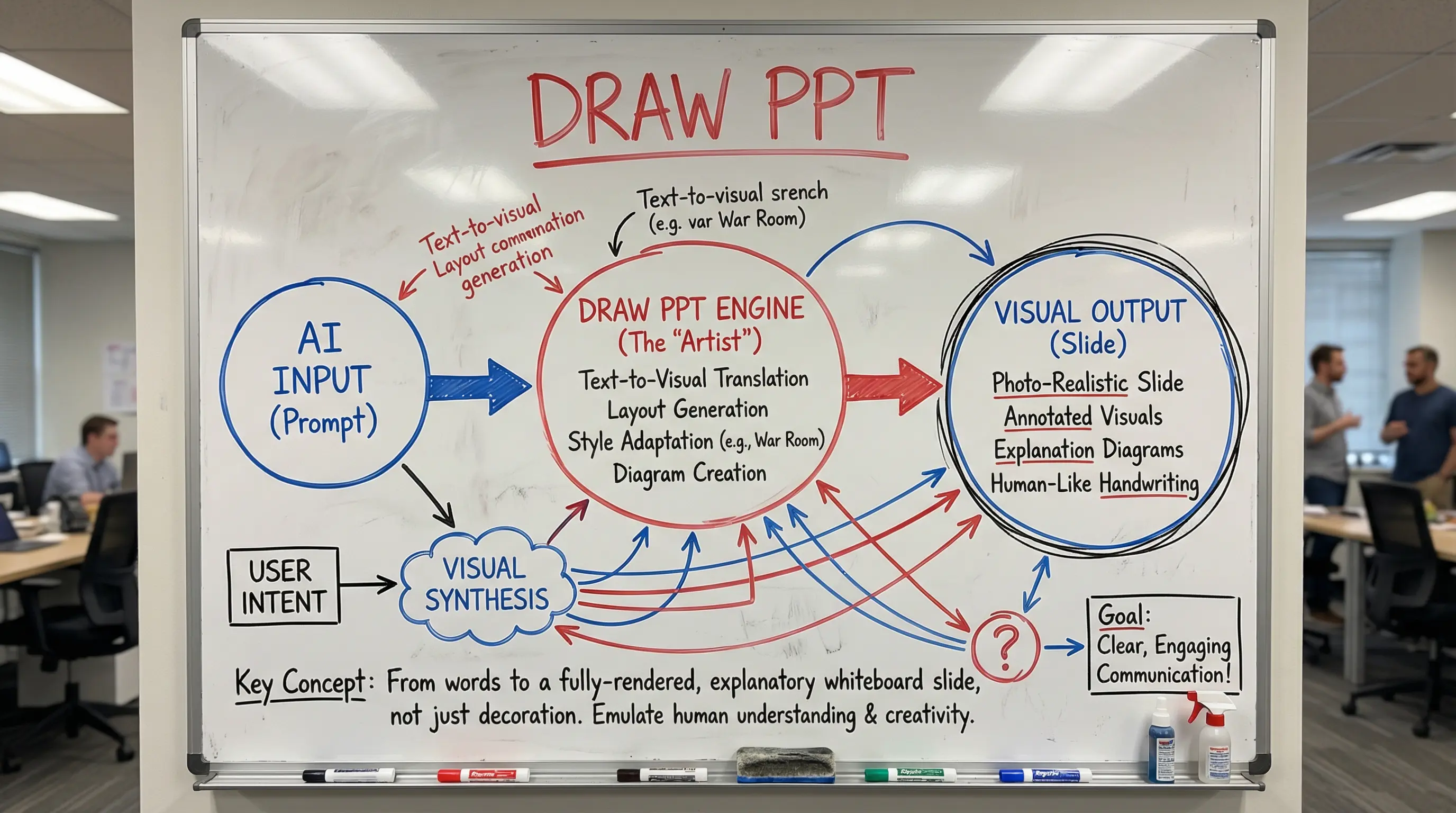
Startup war room dry-erase marker style
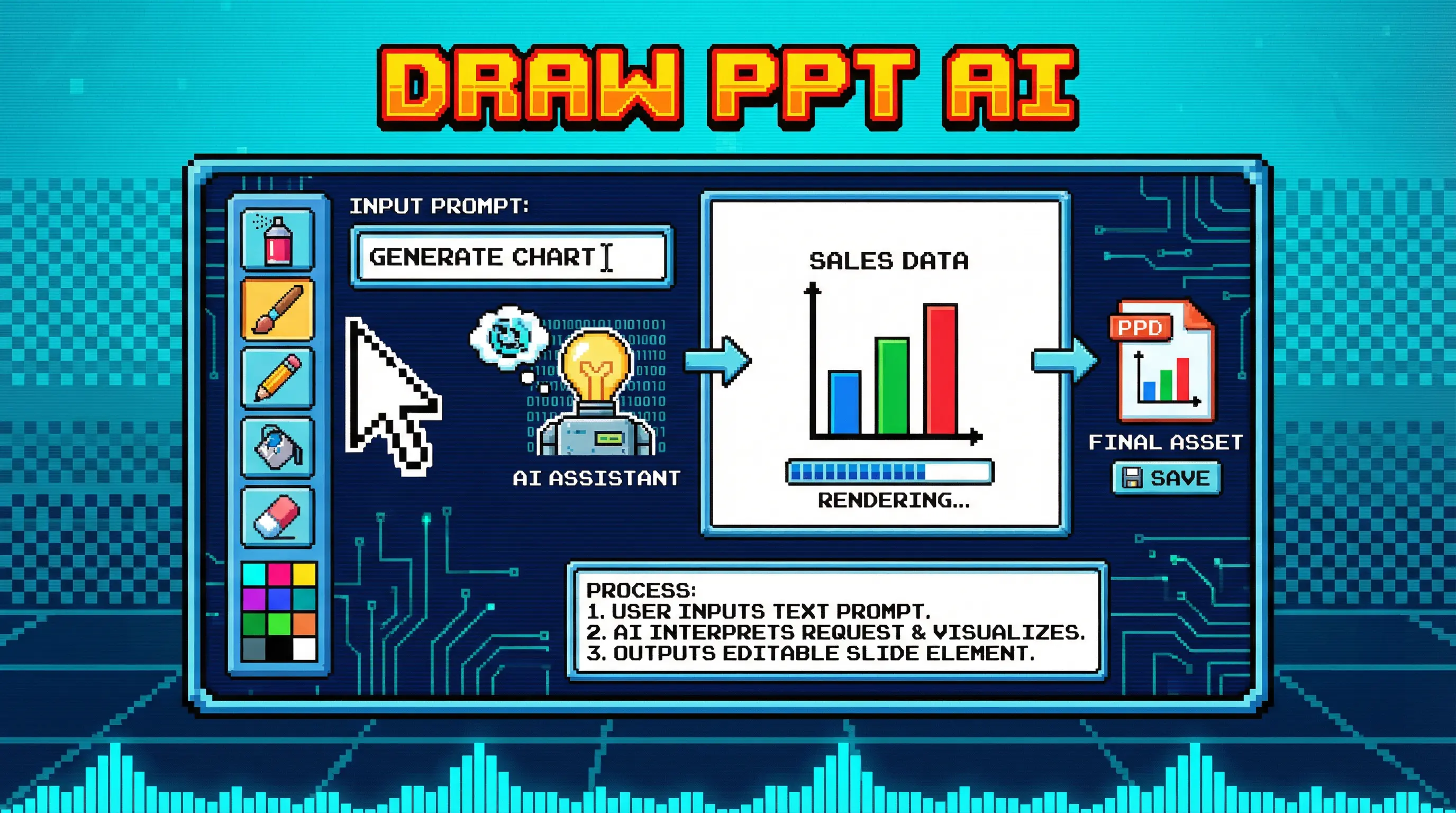
Pixel art NES era nostalgia
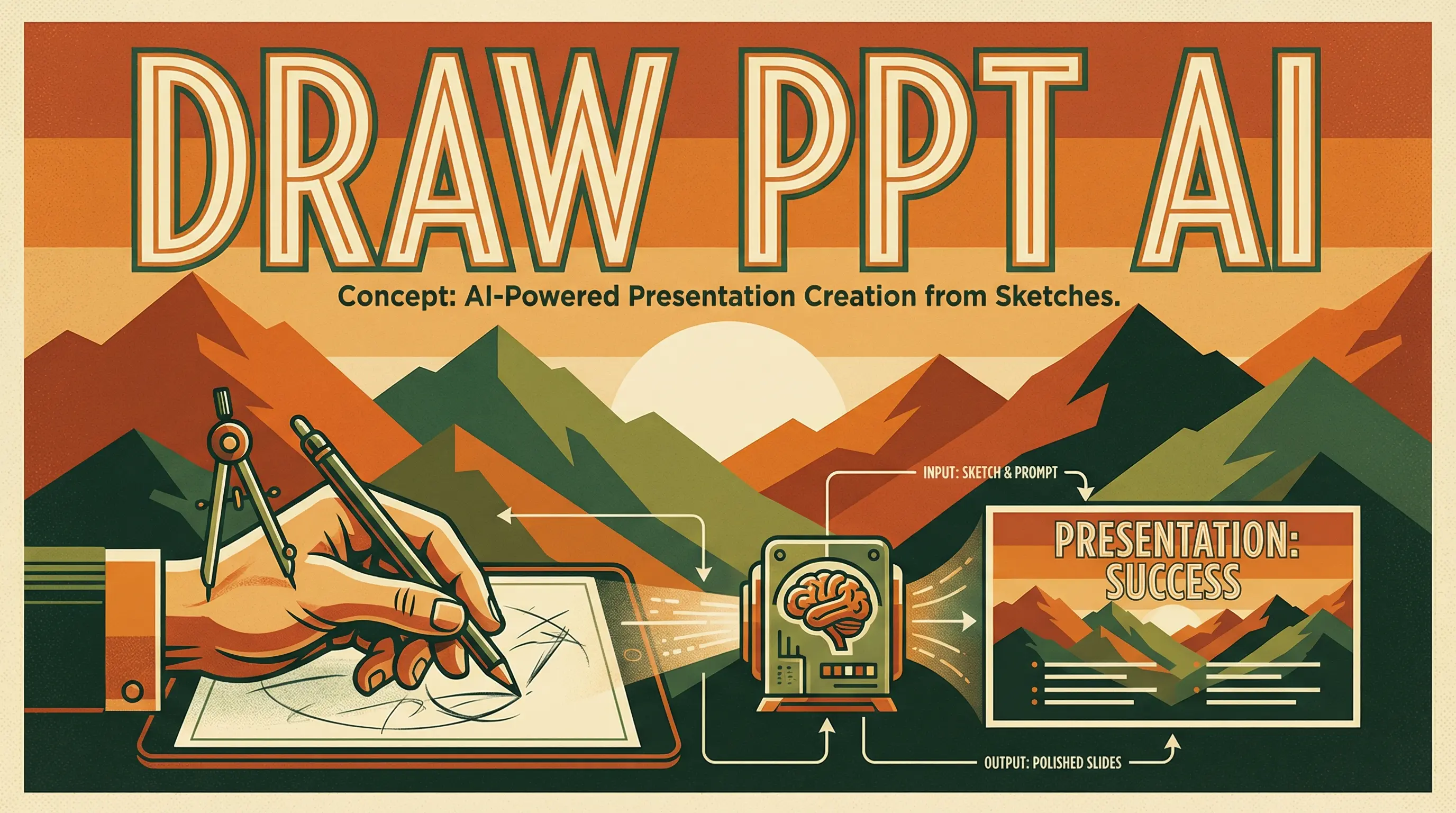
Art Deco WPA National Parks style
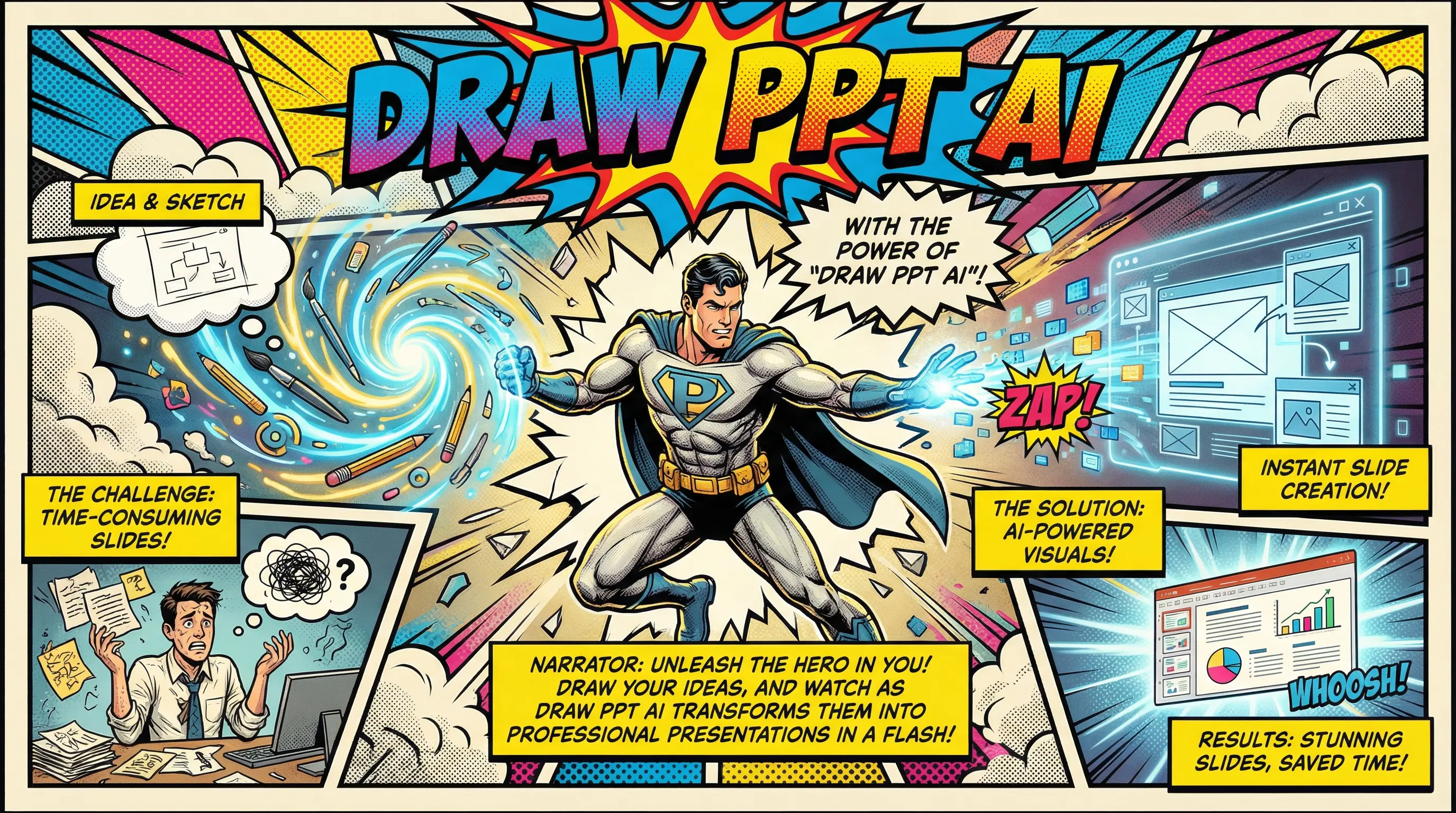
Vintage Marvel/DC halftone action style
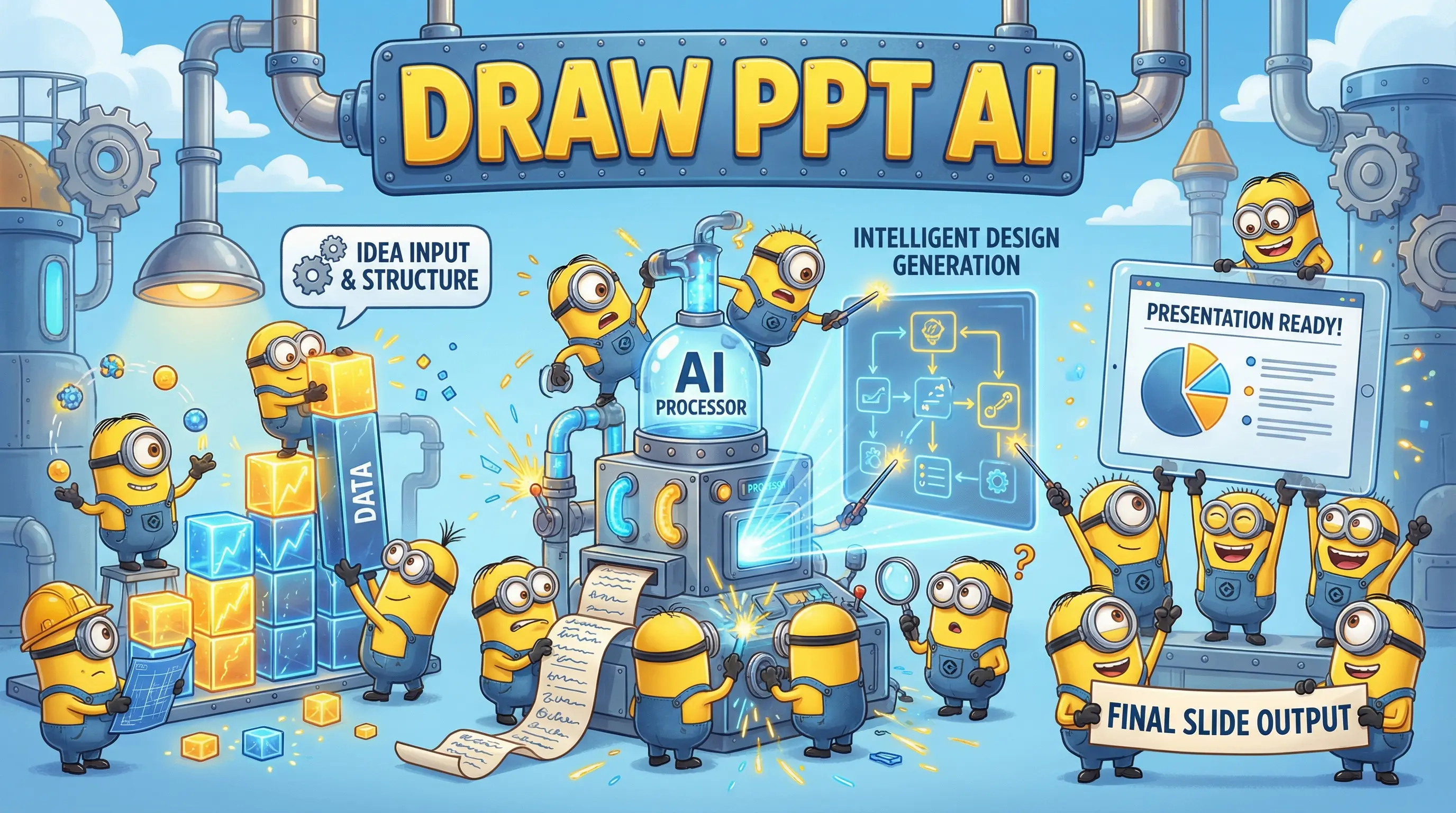
Animated movie playful yellow helpers
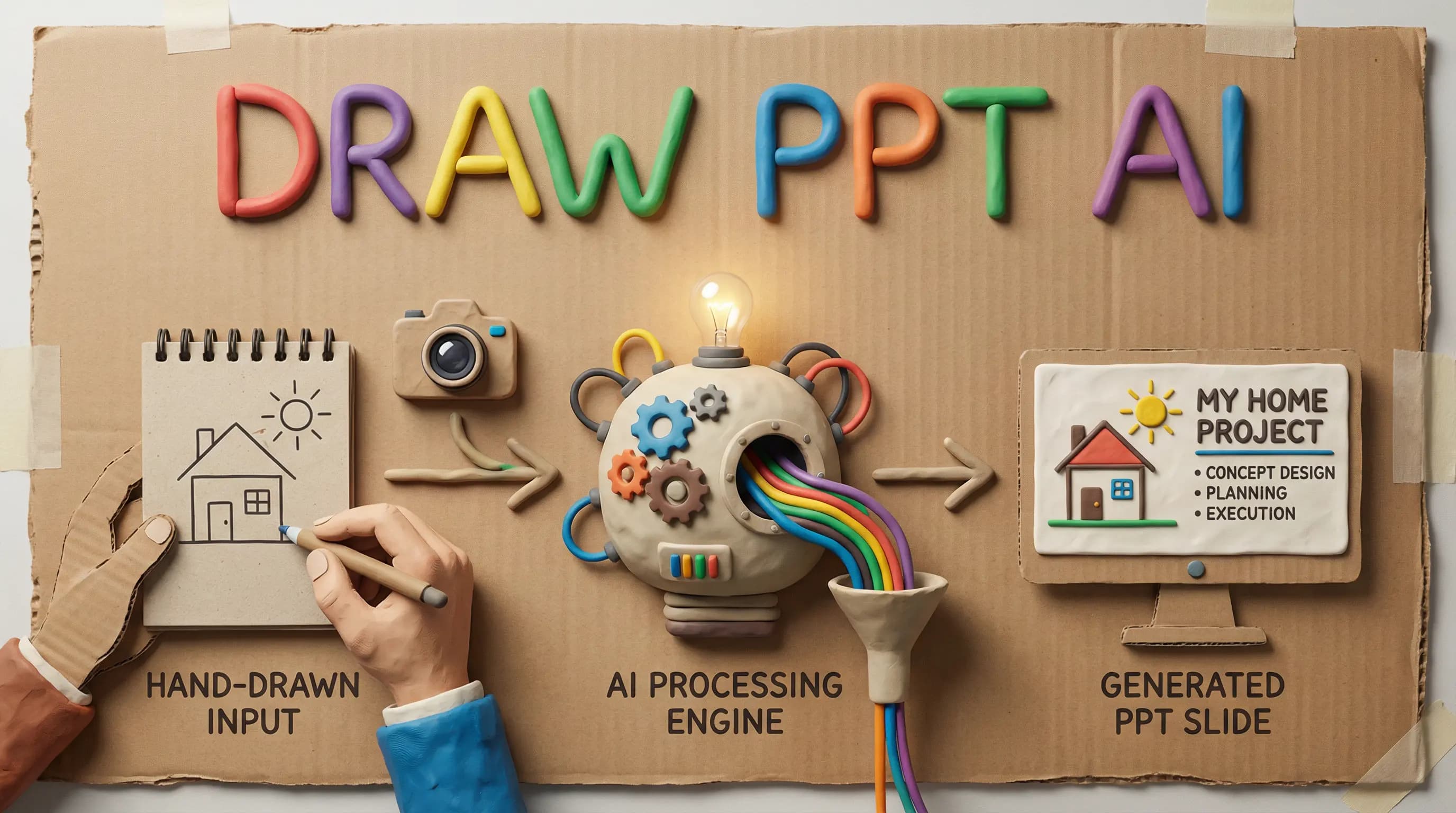
Plasticine stop-motion handmade texture
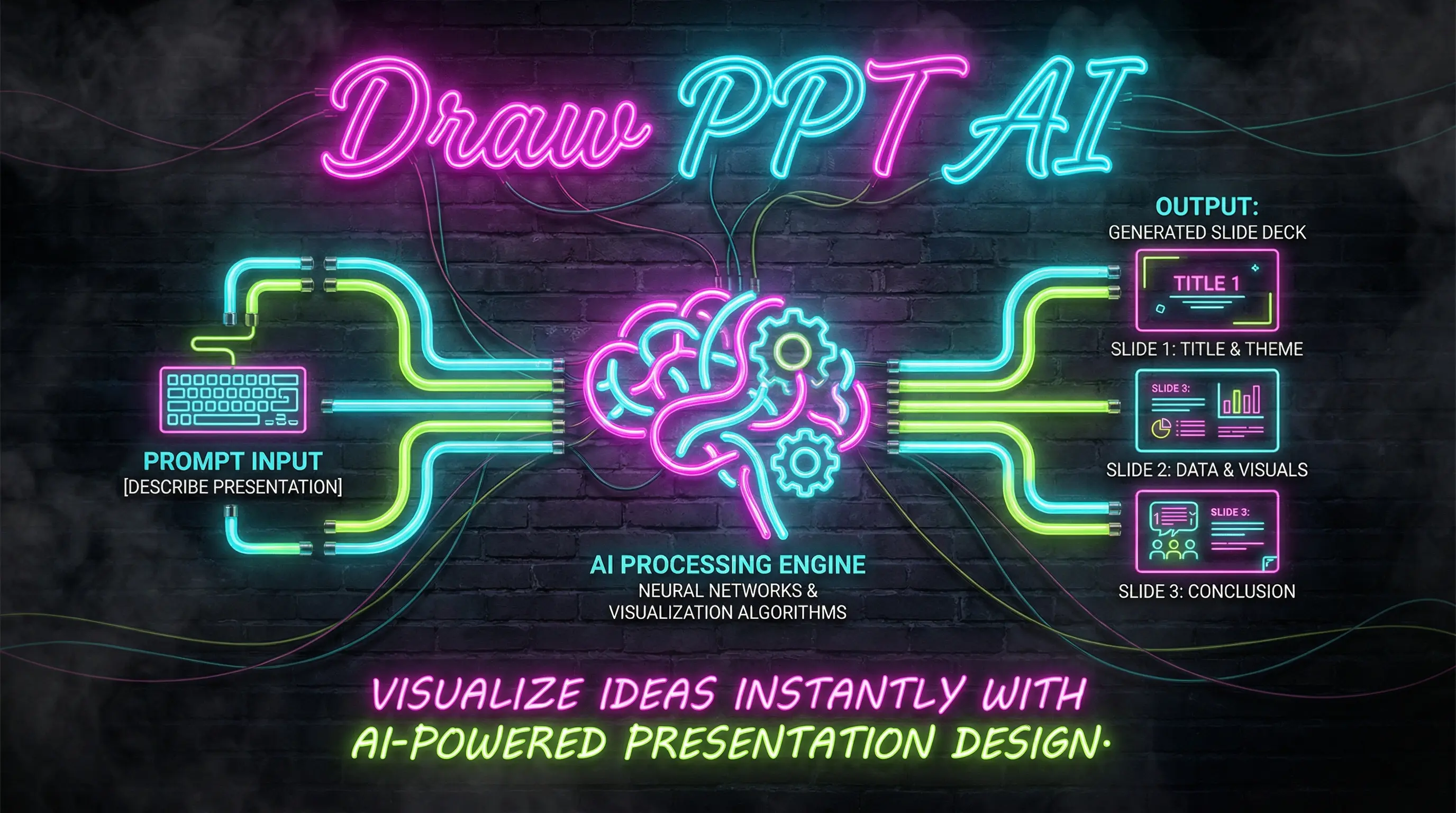
Cyberpunk Las Vegas glowing tubes
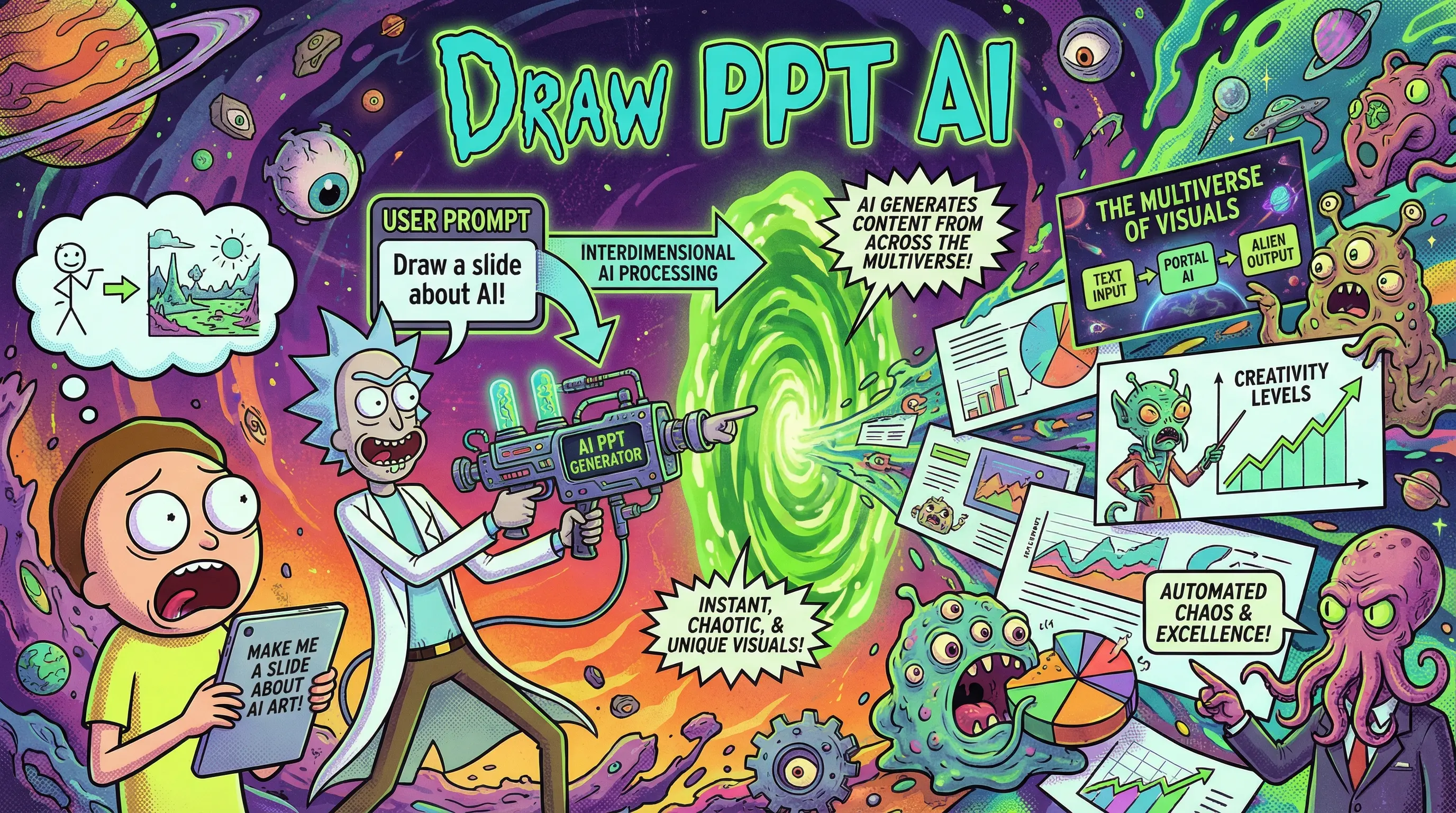
Adult Swim animated sci-fi comedy
Why Choose Us
Everything you need to create stunning presentations in minutes. Our AI understands design principles, content structure, and visual storytelling.
Advanced AI understands your content and automatically generates beautiful slides with perfect layouts and visuals.
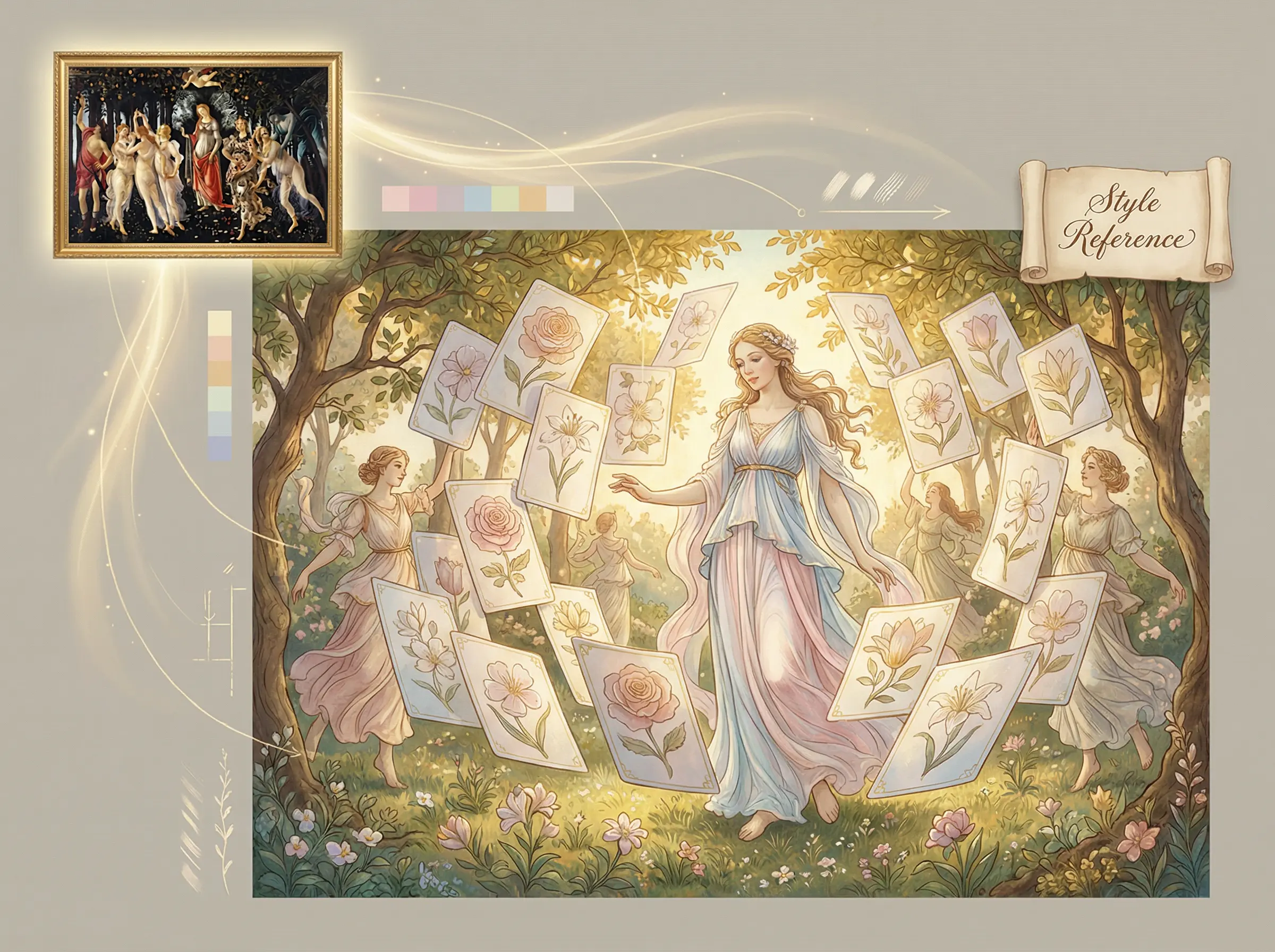
Upload a reference image and our AI will analyze and replicate its visual style.
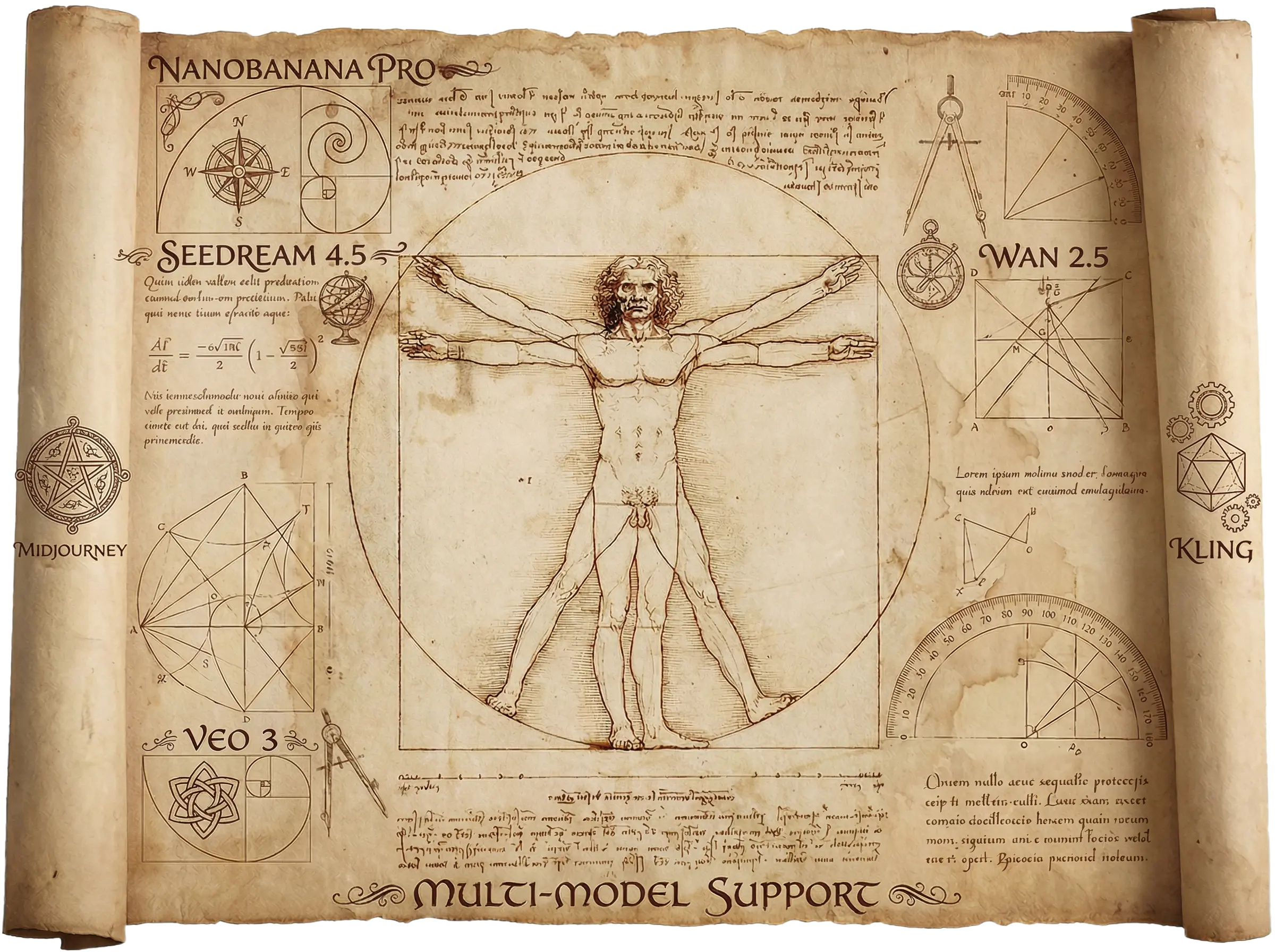
Choose from multiple AI models including GPT-4, Gemini, and more for the best results.
Edit text, swap images, and customize every element in real-time with instant preview.
Export your presentations in multiple formats including PPTX, PDF, and high-res images.
Create presentations in any language. Full support for English, Chinese, Japanese, and more.
From idea to stunning presentation in minutes. No design skills required.
Tell us what your presentation is about. Include key points, target audience, and preferred style.
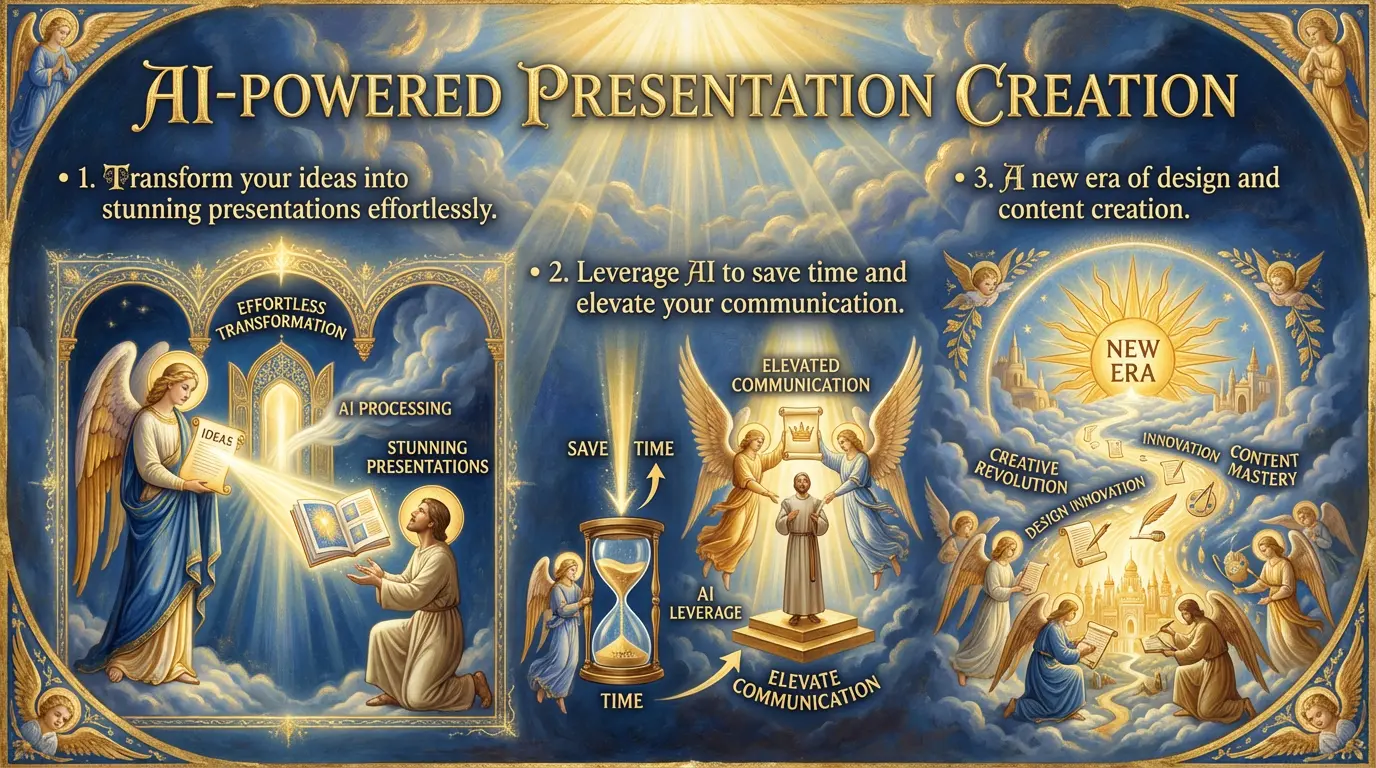
Our AI analyzes your input and creates a structured outline with suggested visuals for each slide.
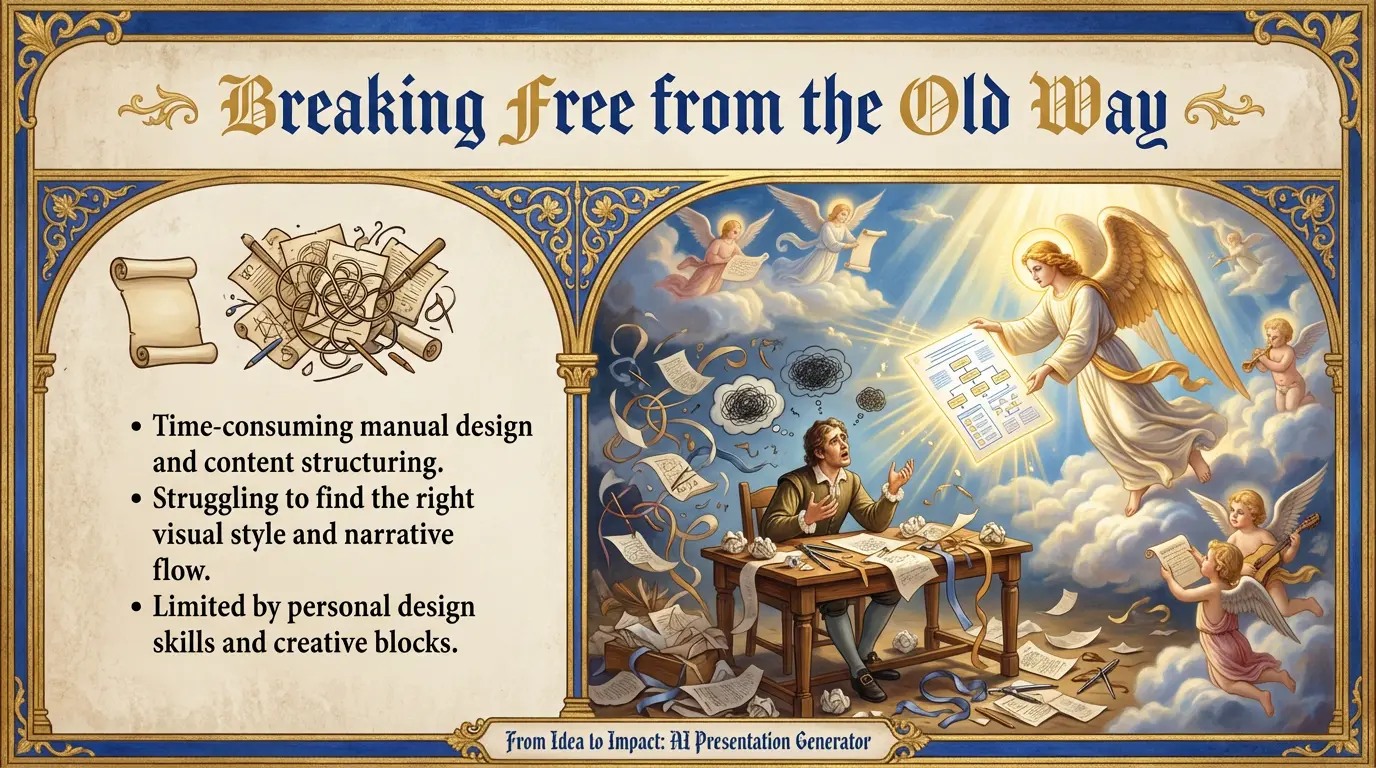
Preview the generated slides, edit content, swap images, and fine-tune every detail.
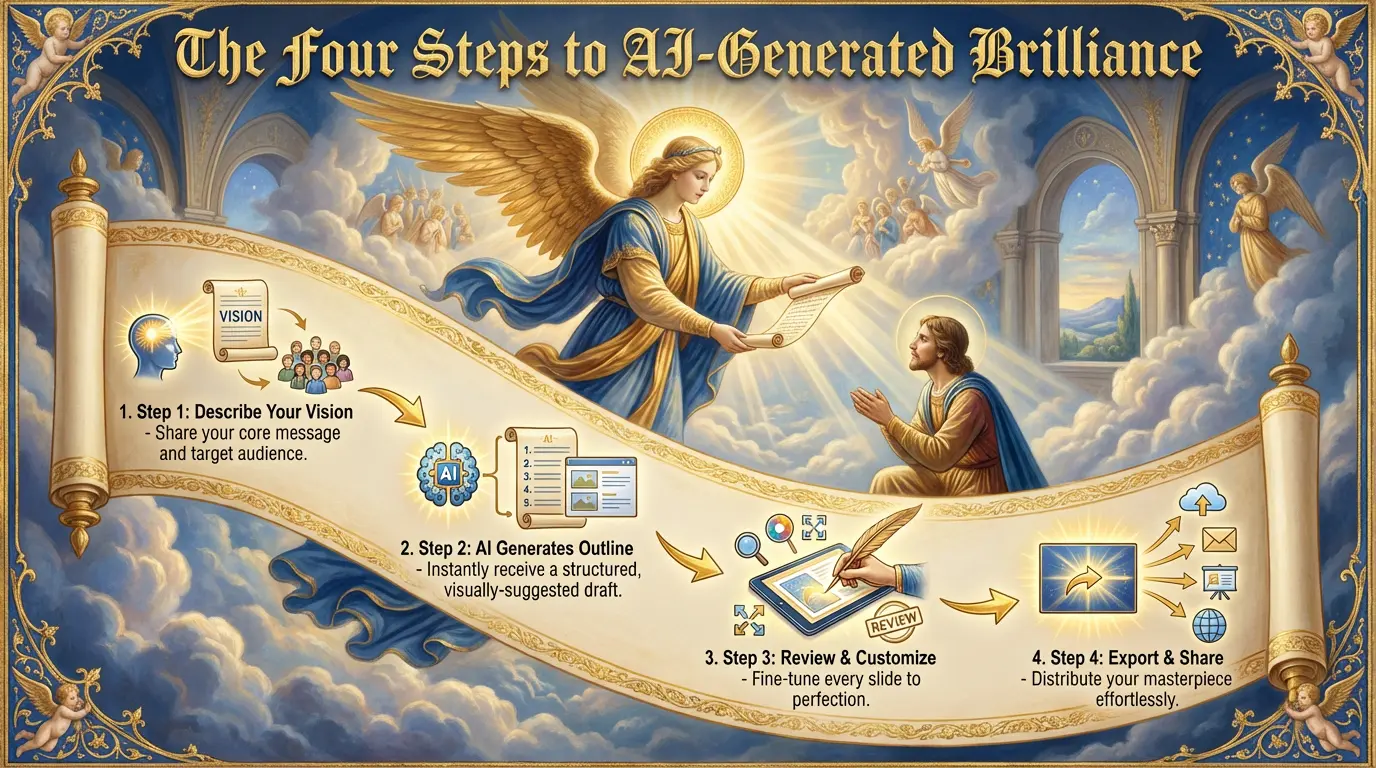
Download your presentation in your preferred format and share it with the world.
Got questions? We've got answers.
Still have questions?