Nanobanana Pro PPT: What It Is, How It Works & DrawPPT Integration
The Complete Guide to Google's Revolutionary AI Image Model for Presentations

Tover Wu
AI Presentation Expert
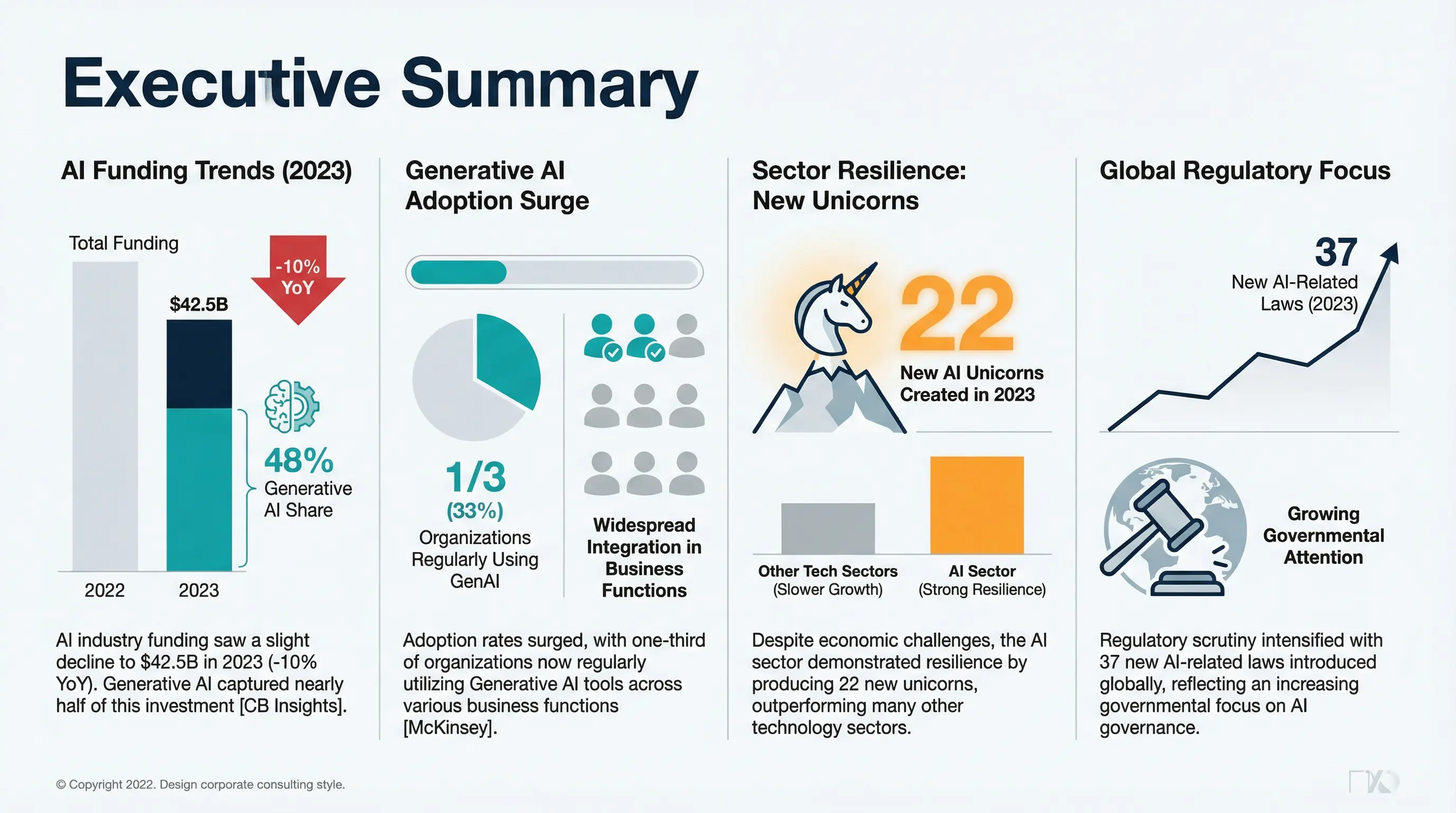
McKinsey-style AI PPT generated with Nanobanana Pro — professional, clean, data-driven design
1What is Nanobanana Pro?
NanoBanana Pro is an AI image generation and editing platform based on Google DeepMind's latest Gemini 3 Pro image model. Designed specifically for professional creators and commercial users, it delivers high-quality 4K image output with advanced editing capabilities.
Its standout feature is precise text rendering: it supports multi-language text generation and solves the text blur problem that plagues AI-generated images. This makes it particularly suitable for designing posters, logos, and UI elements. Unlike traditional AI image generators, Nanobanana Pro can accurately render clear, readable text in images — this is the key breakthrough for AI-generated PPT.
Why is Nanobanana Pro So Important for PPT Generation?
Traditional AI image models (like DALL-E, Midjourney, Stable Diffusion) share a critical flaw: poor text rendering. Text in generated images often appears garbled, blurry, or misspelled. While fine-tuned models like Flux-Flex have emerged, their text comprehension still falls short of Nanobanana Pro. Meanwhile, contemporary text-to-image models like Seedream 4.5 primarily support Chinese, with limited multilingual capabilities.
Nanobanana Pro's unique web search feature also provides the model with more world knowledge, ensuring generated content stays current with trends.
Nanobanana Pro solves these problems:
- Precise text rendering — clear, readable, correctly spelled
- Multi-language support — English, Chinese, Japanese, and more
- Professional design quality — slides look expertly crafted
- Style consistency — multiple PPT pages maintain unified visual style
Example: McKinsey-Style PPT Prompt
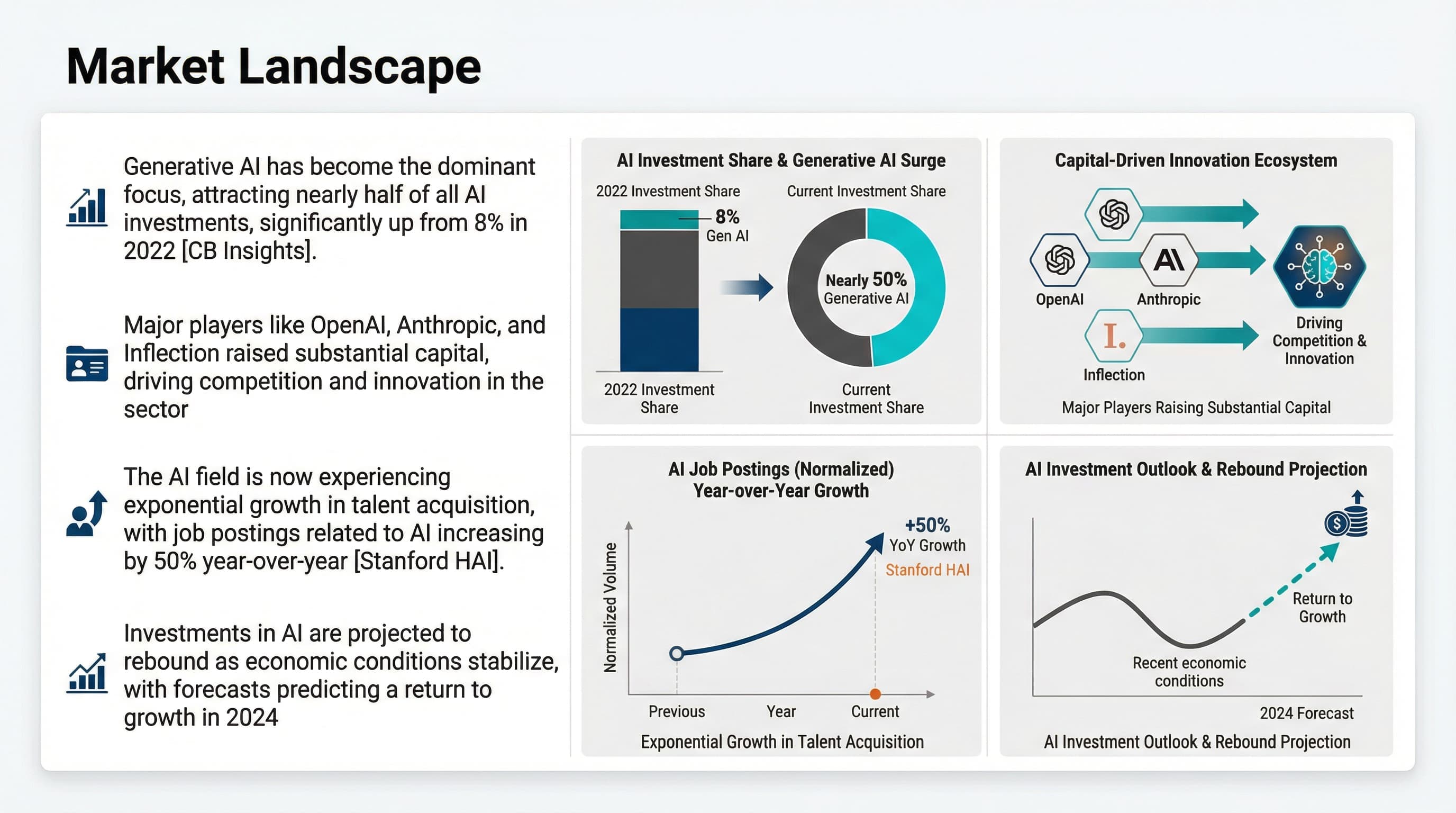
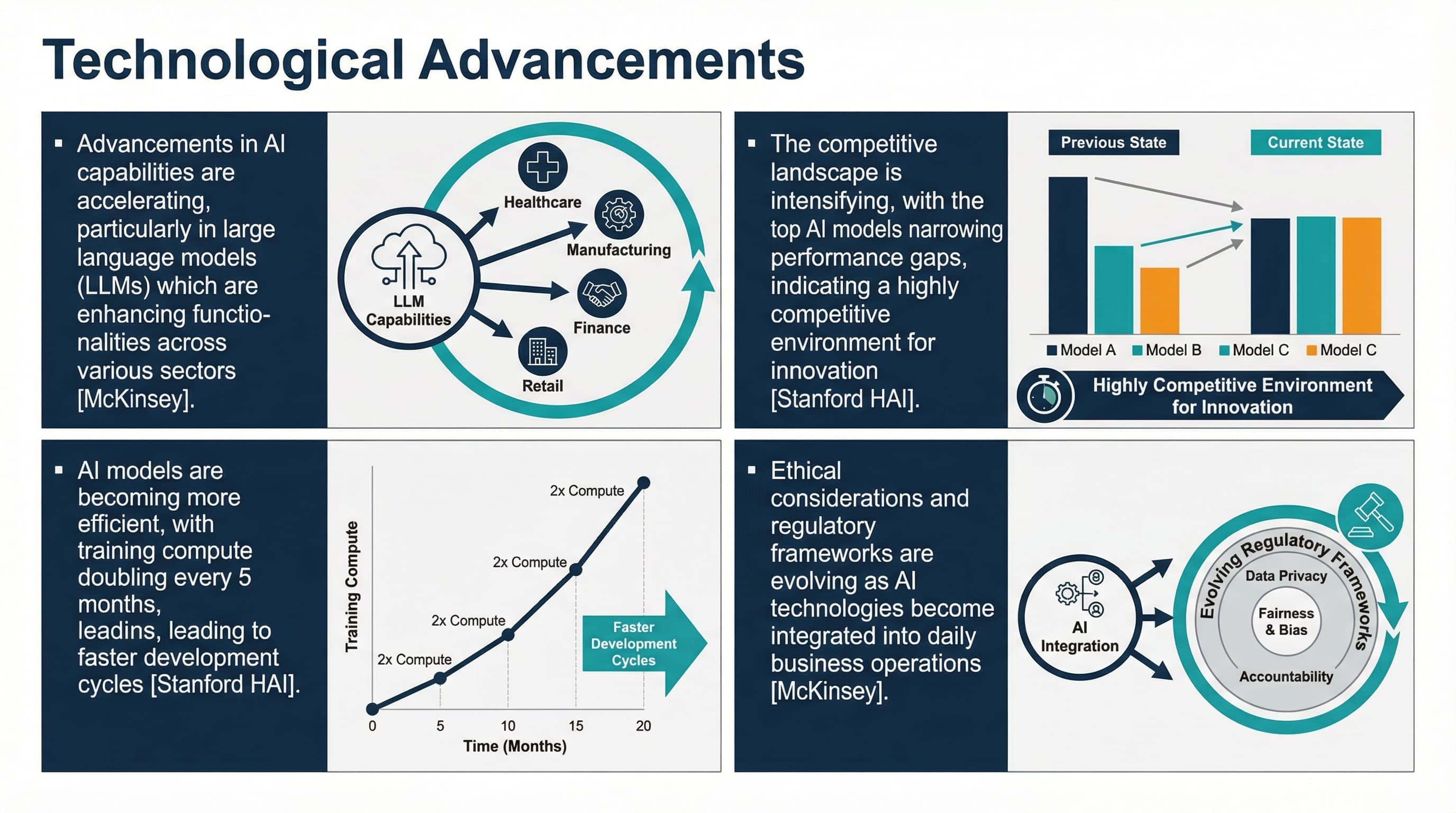
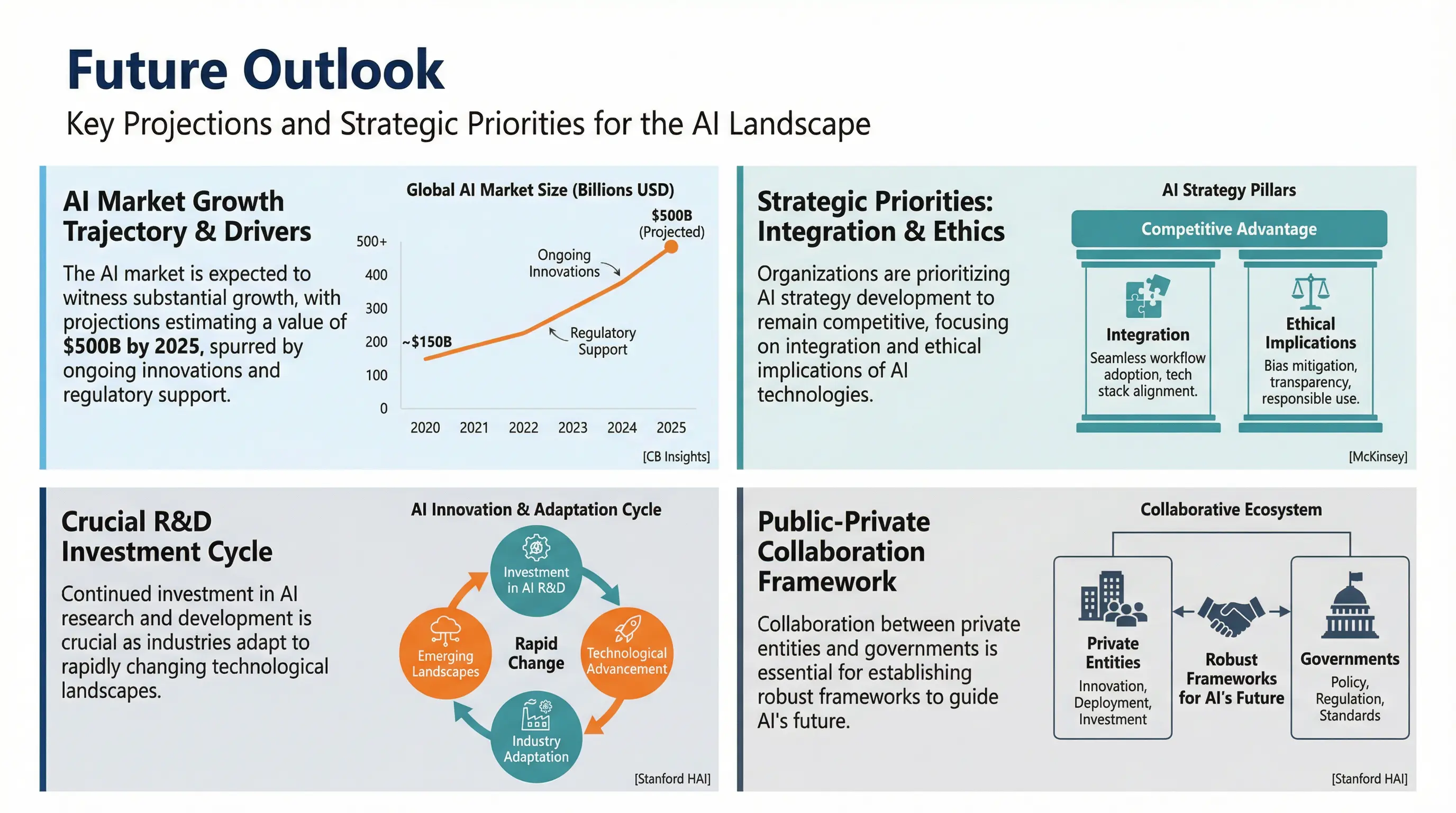
Using this professional consulting-style prompt, Nanobanana Pro generates slides like these:

2How Does Nanobanana Pro PPT Work?
Core Principle
Nanobanana Pro generates each PPT slide as a complete image, rather than using the traditional "template + content filling" approach.
Traditional AI PPT: Select template → AI fills content → Apply design
Products like Gamma, Beautiful.ai, AIPPT all work this way
Nanobanana Pro PPT: AI directly draws the entire slide image based on user instructions, following the user's style prompts to create beautifully designed PPT layouts
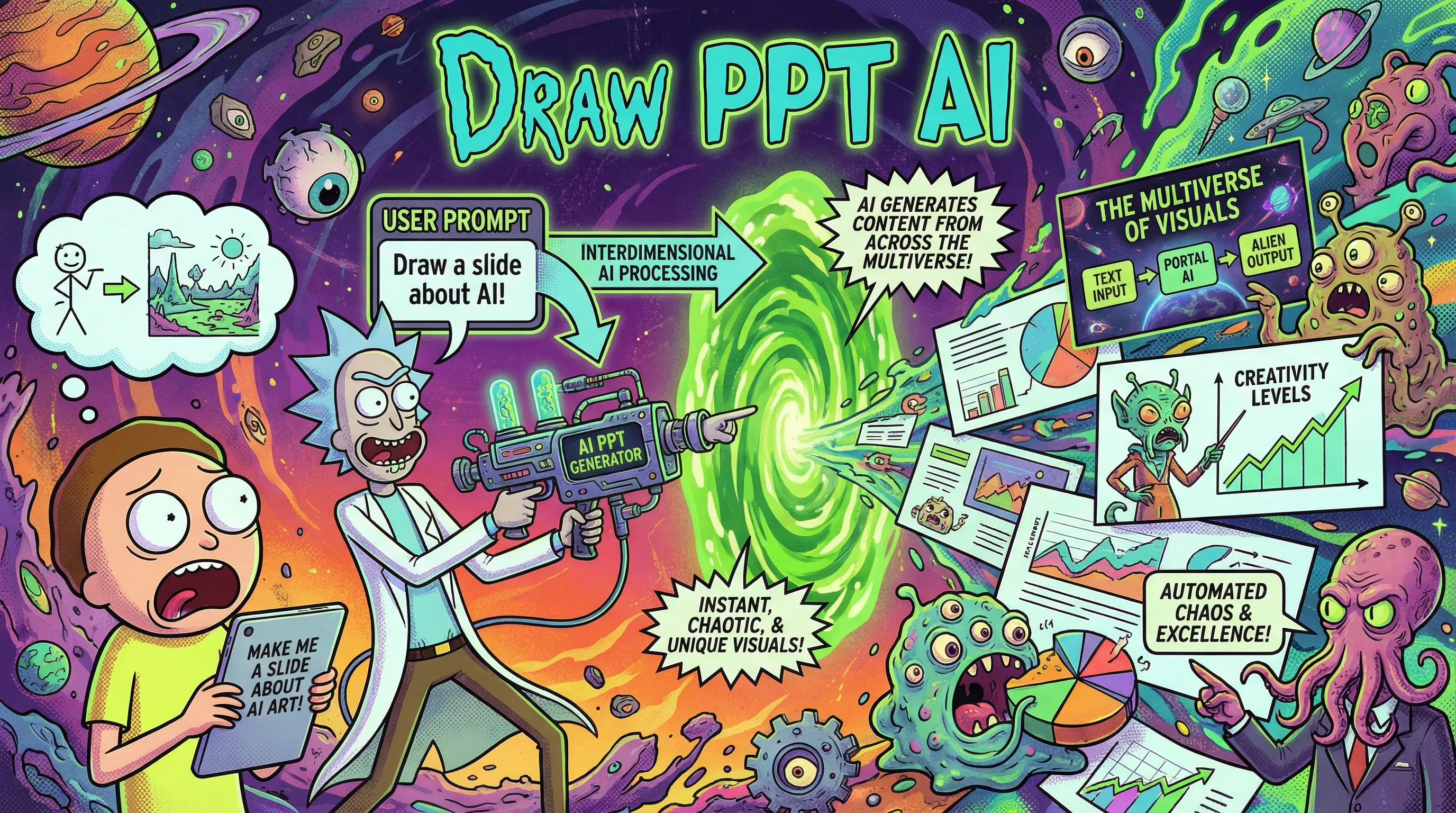
Workflow
- 1Input Prompt — User describes desired PPT style and content
- 2Generate Outline (optional) — Further understand user requirements
- 3AI Understands Intent — Nanobanana Pro parses style, layout, and text requirements
- 4Image Generation — Directly generates slide images with precise text
- 5Multi-page Generation — Continuously generates multiple style-consistent slides
Integration with NotebookLM
Google integrated Nanobanana Pro into NotebookLM's Studio panel, enabling users to:
- Upload documents/materials as content sources
- Select "Slide Deck" function
- Input custom style prompts
- One-click generate complete AI PPT
3How Does DrawPPT Use Nanobanana Pro PPT?
DrawPPT is a tool platform specifically optimized for AI PPT generation, deeply integrating Nanobanana Pro's capabilities.
Rich Style Prompt Templates
DrawPPT provides 22+ professional style templates, each containing carefully tuned prompts:
One-Click Prompt Copy
Users can directly copy DrawPPT's prompt templates for use in:
- NotebookLM
- Other Nanobanana Pro-supported tools
- Custom modifications
Built-in Editing Features
To address text errors that may occur in Nanobanana Pro generated PPTs, DrawPPT provides:
Text Editing
Directly fix typos in slides
Regenerate
Regenerate unsatisfactory single pages
Image Replacement
Replace image elements in slides
Multiple Output Formats
4Nanobanana Pro PPT vs Traditional AI PPT Tools
| Feature | Nanobanana Pro PPT | Traditional AI PPT (Gamma, etc.) |
|---|---|---|
| Text Accuracy | ⭐⭐⭐⭐⭐ High | ⭐⭐⭐ Medium (template text) |
| Design Uniqueness | ⭐⭐⭐⭐⭐ Each slide uniquely designed | ⭐⭐⭐ Template-based |
| Style Diversity | ⭐⭐⭐⭐⭐ Unlimited styles | ⭐⭐⭐ Limited templates |
| Editing Flexibility | ⭐⭐⭐ Image format, requires special tools | ⭐⭐⭐⭐⭐ Direct editing |
| Output Format | PDF/Images | PPTX/PDF |
5How to Start Using Nanobanana Pro PPT?
Method 1: Via NotebookLM (Free)
- 1Visit notebooklm.google.com
- 2Create new notebook, upload materials
- 3Open Studio panel
- 4Select Slide Deck
- 5Enter style prompt
- 6Click Generate
Method 2: Via DrawPPT (Recommended)
- 1Visit DrawPPT
- 2Browse template library, select preferred style
- 3Copy prompt or use directly
- 4Upload content, one-click generate
- 5Use built-in editor to fix text
Frequently Asked Questions
Q: Is Nanobanana Pro free?
A: Using it through NotebookLM is free but has generation limits. DrawPPT offers free credits and paid plans.
Q: Will Nanobanana Pro PPT have text errors?
A: Compared to other AI models, error rates are significantly lower, but occasional spelling issues may still occur. We recommend using DrawPPT or similar tools for post-editing.
Q: Does it support Chinese?
A: Yes. Nanobanana Pro renders Chinese text well.
Q: How many pages can be generated?
A: Typically 10-15 pages per generation. For more pages, generate in batches and combine.
Conclusion
Nanobanana Pro PPT represents a new era in AI presentation generation. It solves the core pain point of inaccurate text rendering in AI-generated images, making "AI directly drawing PPT" a reality.
Combined with DrawPPT's prompt templates and editing features, users can easily create unique, professional, visually impactful presentations.
Ready to Create Your AI PPT?
Start with DrawPPT — 22+ professional templates, instant editing, no design skills needed.