PPT PromptsAI PPTNanobananaCommunity
Best Nanobanana PPT Prompts Collection
Community-curated prompts for stunning AI presentations with Nanobanana Pro

Tover Wu
AI Presentation Expert
January 16, 2025•8 min read
Discover the best AI PPT prompts created and shared by our community. Each prompt has been tested with Nanobanana Pro to generate professional, visually stunning presentations.
How to Use These Prompts
1
Copy the Prompt
Click the copy button to copy the full prompt text
2
Open DrawPPT or NotebookLM
Navigate to the style prompt input field
3
Paste & Generate
Paste the prompt and generate your AI PPT
Community Prompts Gallery
Click any prompt card to view details and copy
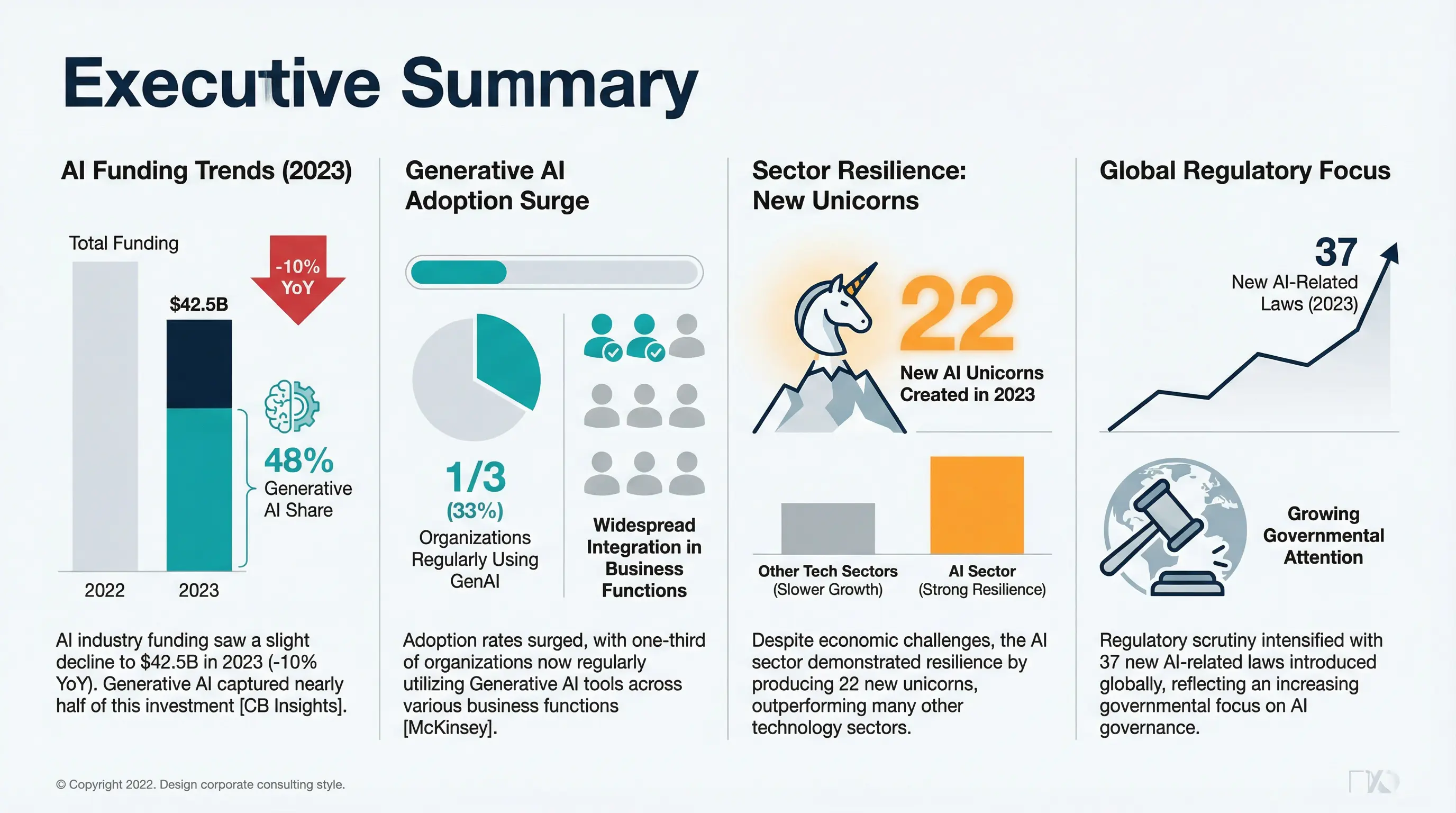
Featured
1 / 5
McKinsey Consulting Style
Professional, clean, minimalist consulting-style slides with data-driven design. Perfect for business presentations and corporate reports.
BusinessConsultingProfessionalData-Driven
Prompt Text
Theme: McKinsey-style business presentation slides
Style: Professional, clean, minimalist, corporate consulting style, high-end, data-driven, modern business
Visuals:
  - Sleek charts, graphs, tables, and icons
  - Minimalist illustrations or abstract shapes
  - Business context imagery (e.g., offices, teamwork, city skyline, digital devices)
  - Emphasis on clarity, structure, and visual hierarchy
Font Style:
  - Titles: Sans Serif, bold, clean, professional (e.g., Helvetica Neue, Arial, Roboto)
  - Body text: Sans Serif, light or regular weight for readability
  - Data labels and captions: smaller size, subtle contrast
Color Palette:
  - Primary colors: Dark blue (#003366), deep gray (#4D4D4D)
  - Secondary colors: Light gray (#F2F2F2), white (#FFFFFF), accent colors like teal (#008080) or orange (#FF6600)
  - Maintain high contrast for readability
Layout & Composition:
  - Grid-based layout, structured sections
  - Plenty of whitespace for focus
  - Visual hierarchy: clear headings, subheadings, body text, data visualization
  - Balanced placement of charts, icons, and text
Extras:
  - Subtle shadows or lines to separate sections
  - Professional icons and vector illustrations
  - Optional light gradient backgrounds for depth, but keep minimal
Keywords for AI Tools: McKinsey style, consulting slide, professional, minimalist, clean design, corporate, high-end, business presentation, data-driven, charts, graphs, clear hierarchy, structured, modern
By DrawPPT Team•2025-12-18
Create Your Own AI PPT
Try these prompts in DrawPPT and generate stunning presentations in seconds
Try DrawPPT Free